Turn your portable Pandora into the ultimate retro gaming console for your living room
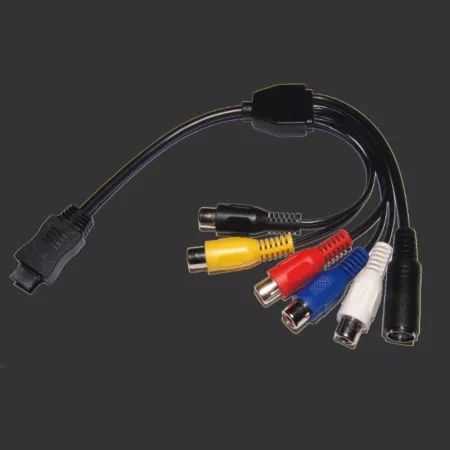
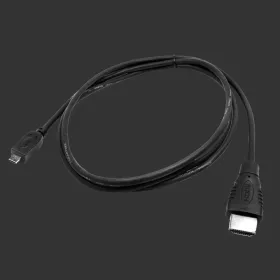
The official Pandora TV Out Cable opens up a whole new dimension of gaming on your beloved handheld. Whether you're reliving classic arcade hits, exploring homebrew games, or showing off your retro collection to friends and family, this cable makes it incredibly easy to share your Pandora experience on the big screen. It's the perfect companion for anyone who wants the flexibility of portable gaming with the comfort of couch-based entertainment.
Experience Dual-Screen DS Gaming Like Never Before
Here's where things get really exciting: when paired with the DraStic Nintendo DS emulator, you can enjoy authentic dual-screen gaming by displaying one screen on your Pandora's built-in LCD while the second appears on your television. This creates a setup remarkably similar to the Wii-U experience, giving you the genuine Nintendo DS gameplay feel that these games were designed for. It's an absolute game-changer for titles that rely on both screens for puzzles, maps, or inventory management.
Universal Compatibility and Multiple Output Options
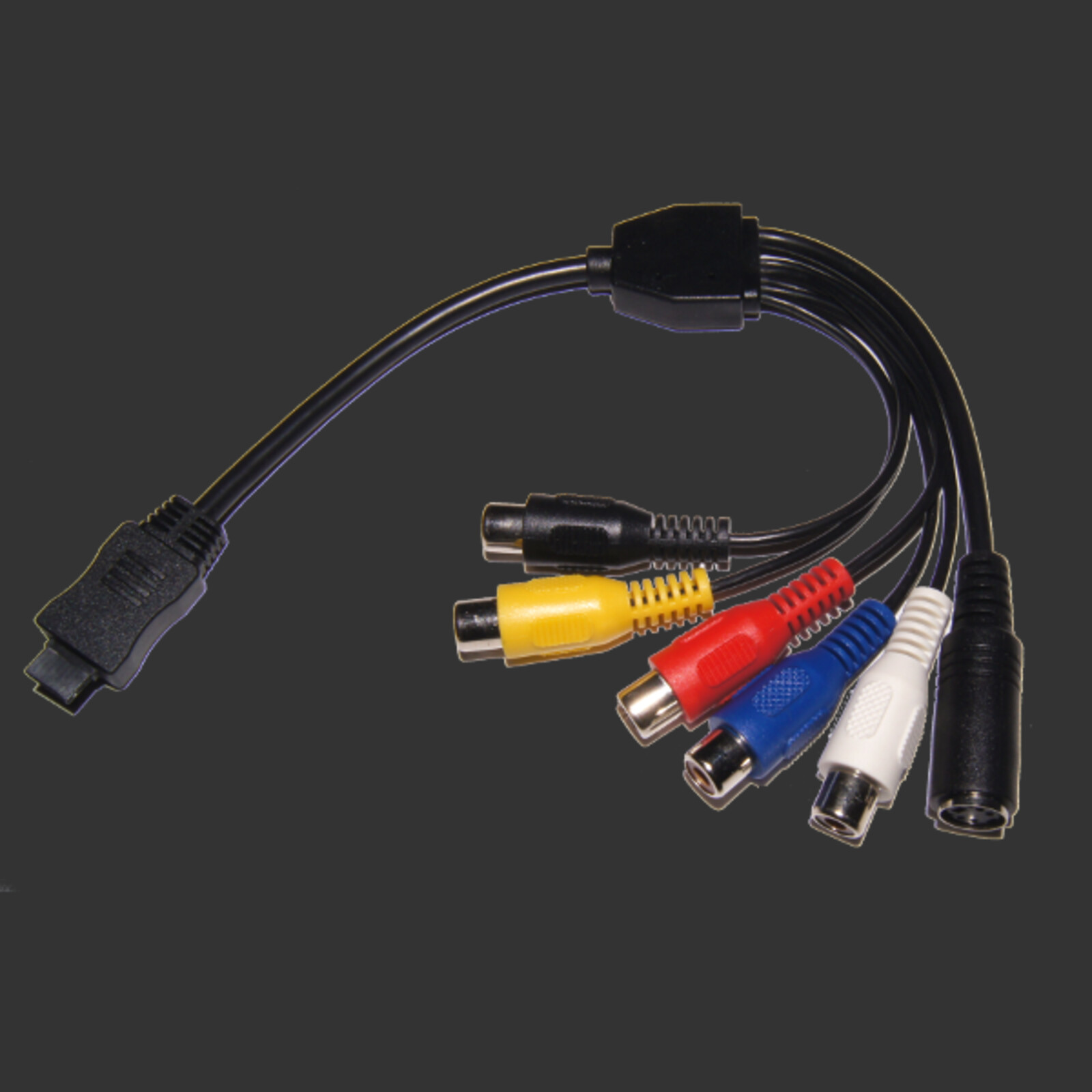
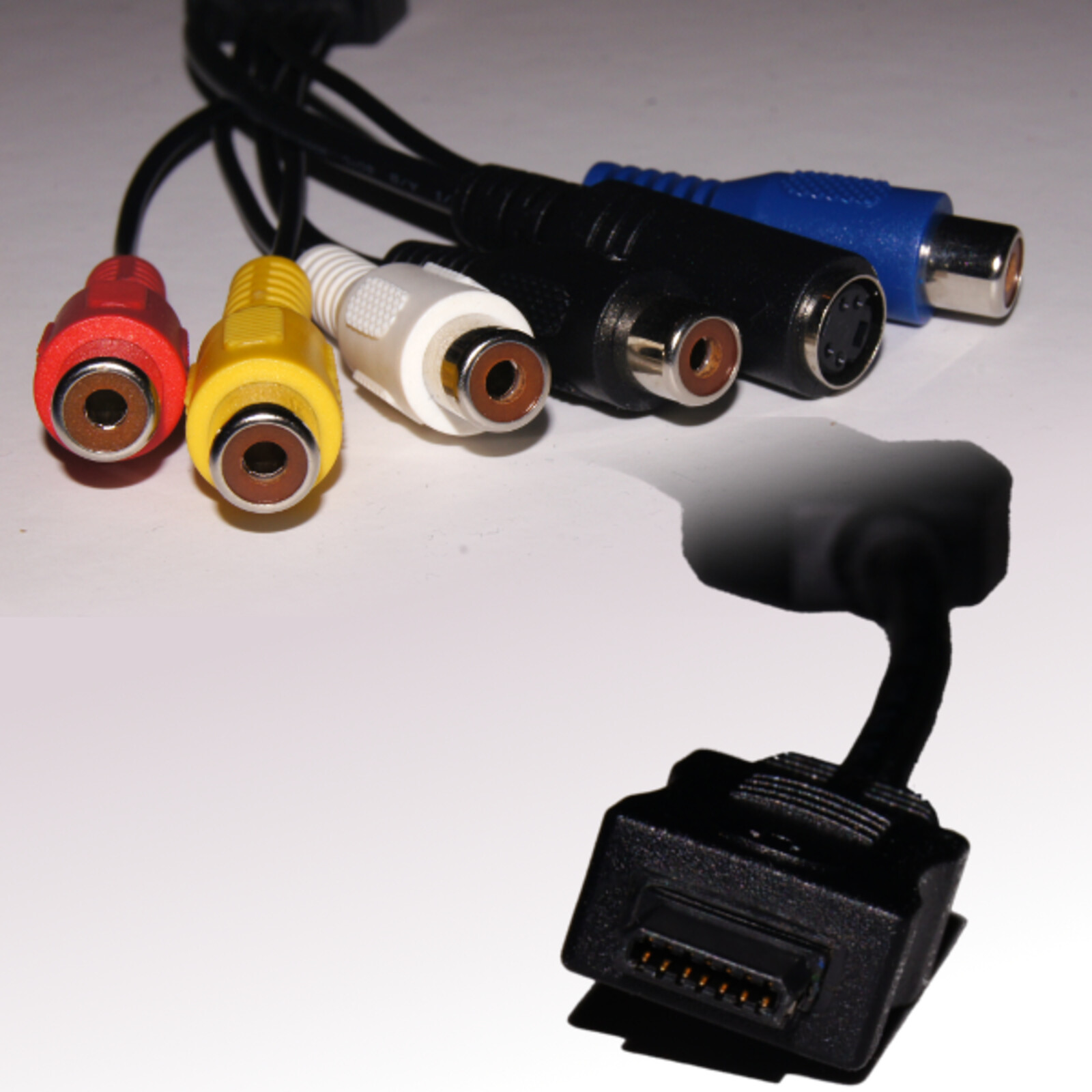
The cable supports both PAL and NTSC video standards, ensuring it works with televisions around the globe. You get your choice of composite video output for universal compatibility or S-Video for noticeably sharper picture quality on compatible displays. Audio connections include stereo out via standard Cinch connectors, plus stereo audio-in functionality for expanded possibilities. Whatever your TV setup, this cable has you covered.
Smart, Portable Design Philosophy
At a convenient 20cm length, the cable stays true to the Pandora's portable spirit without sacrificing functionality. All connectors are female, which means you simply plug in your own standard AV cables at whatever length works for your space—whether that's a short connection for a desk setup or a longer run to reach your entertainment center. This thoughtful design keeps the cable compact and travel-friendly while giving you maximum flexibility.