Give your classic Famicom the picture quality it deserves!
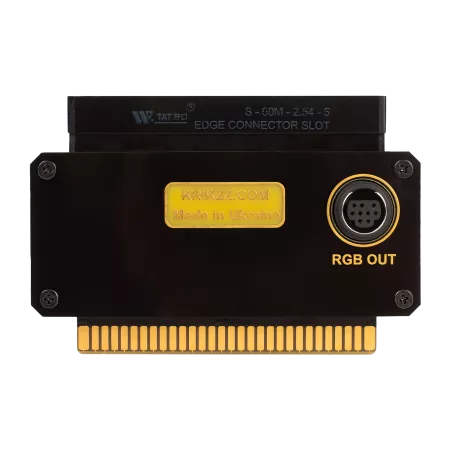
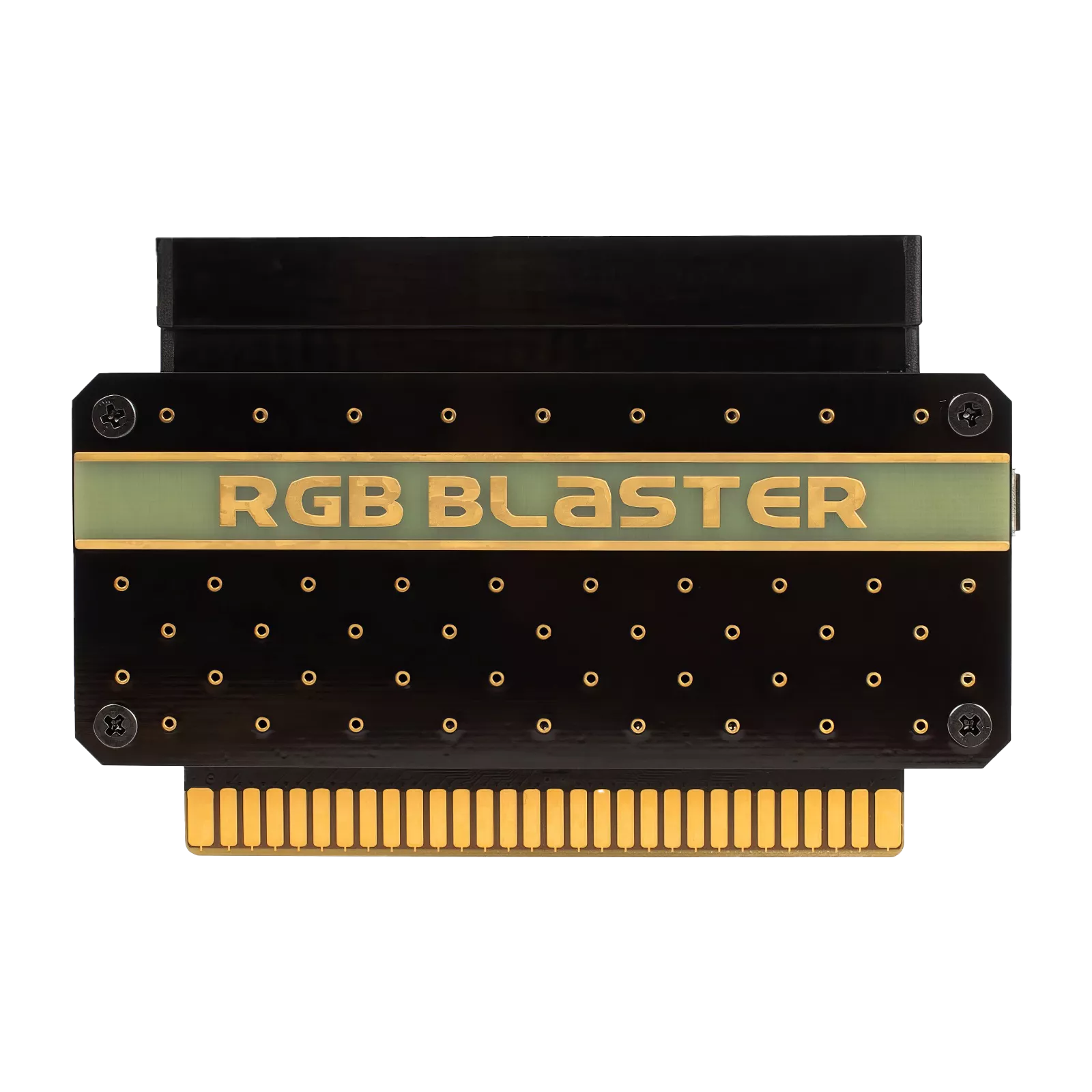
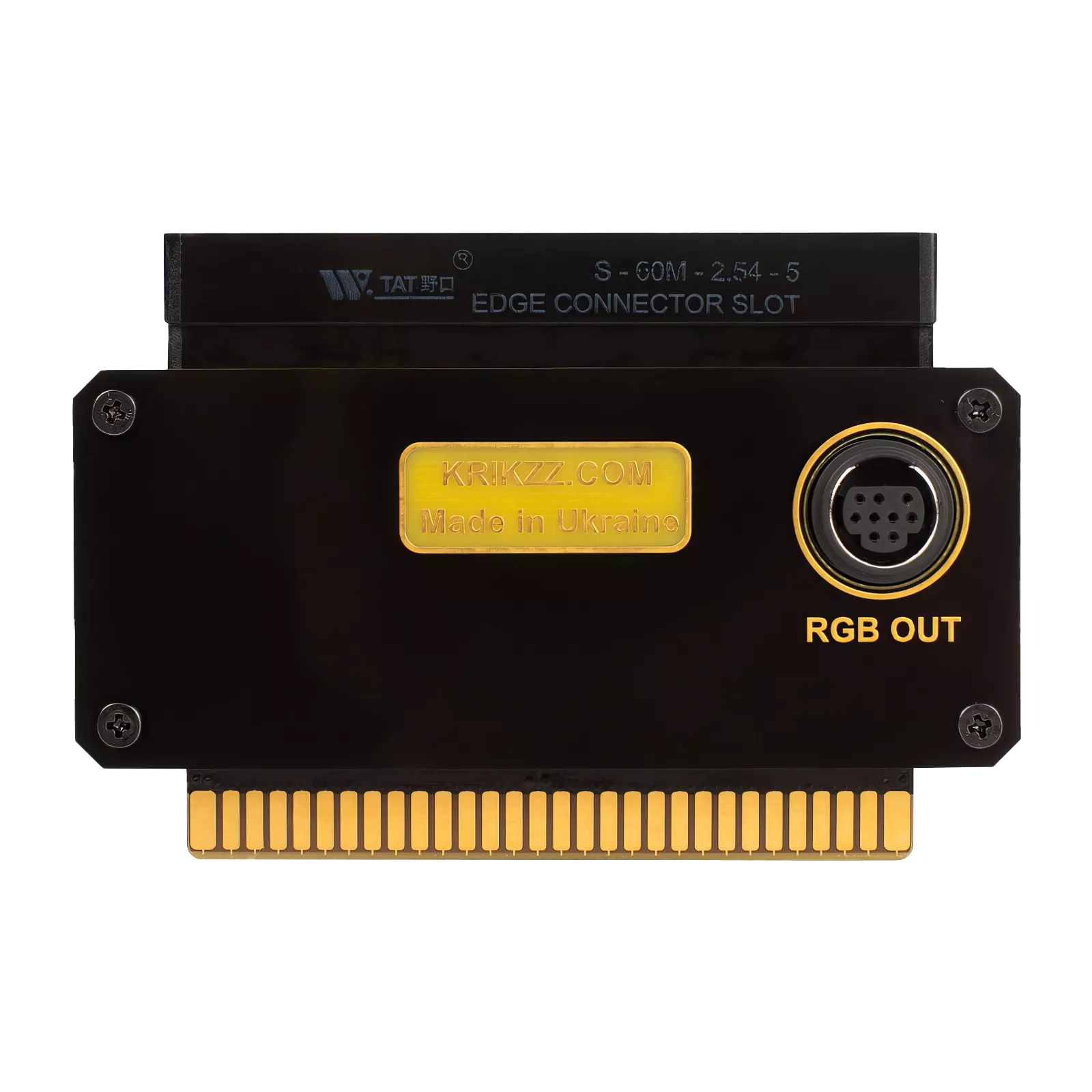
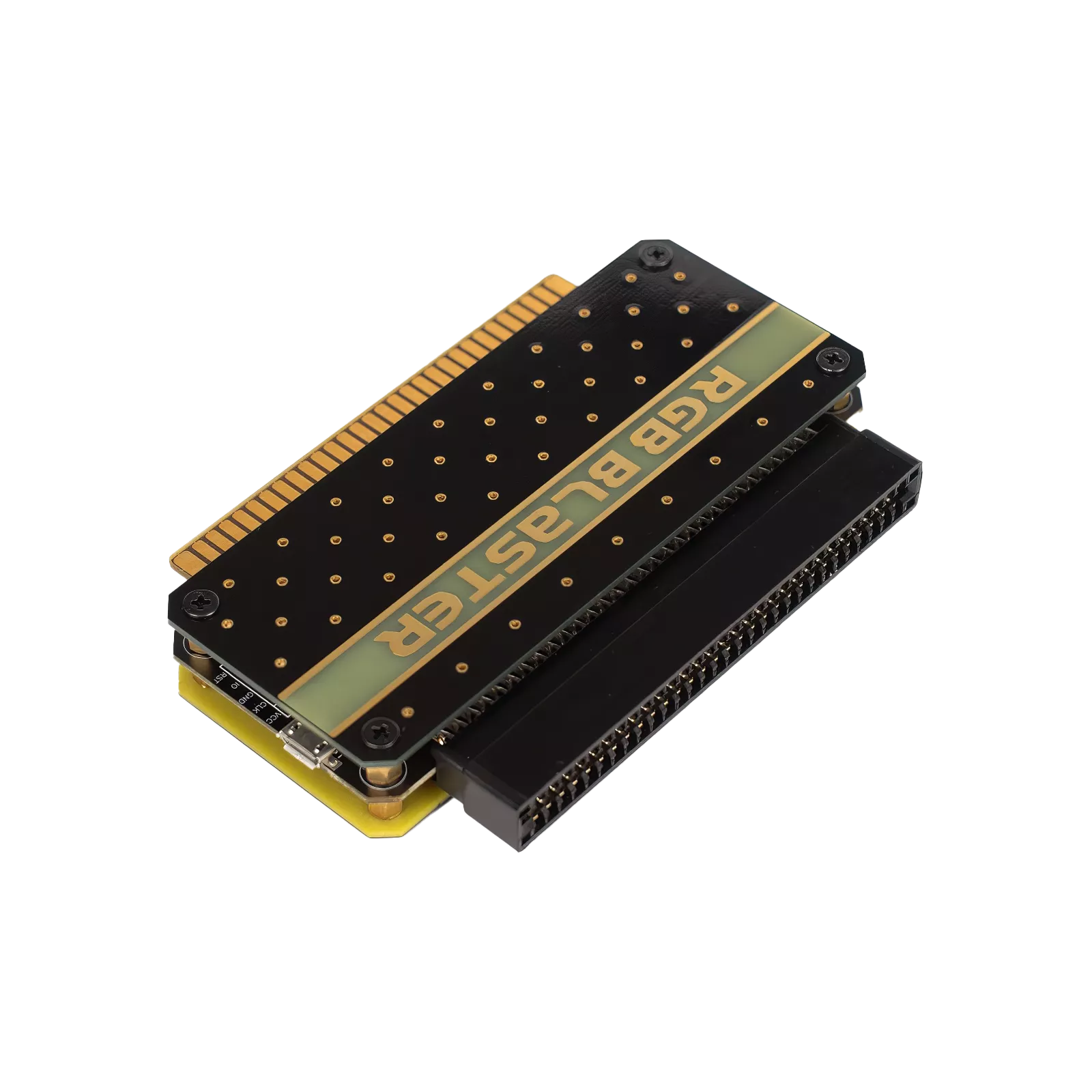
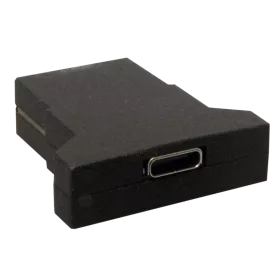
The RGB Blaster from Krikzz Everdrives transforms your beloved Famicom into an RGB powerhouse without permanent modifications. This clever adapter plugs directly into your console and extracts pristine RGB video signals straight from the Picture Processing Unit, delivering pixel-perfect visuals that blow composite video out of the water. Every sprite, background tile, and color becomes crisp and vibrant on your RGB-capable display, letting you experience your favorite 8-bit classics exactly as the developers intended—or even better.
Installation couldn't be simpler. The RGB Blaster connects to your Famicom's expansion port, and you'll use a Genesis Mini DIN 9 cable (available separately) to route the signal to your TV or upscaler via SCART. The synchronous output means absolutely zero lag, so your gaming experience stays authentic while the picture quality soars. You can even fine-tune the color palette using Krikzz's blastcfg tool, allowing you to recreate specific CRT characteristics or adjust colors to your personal taste. The compact adapter design keeps your console looking clean and original—no messy wires or bulky boxes cluttering your retro gaming setup.
What You Need to Know Before Ordering
The RGB Blaster is designed specifically for original NTSC Famicom consoles and won't work with PAL systems, clones, or heavily modified units. PPU compatibility is crucial—the adapter doesn't function properly with RP2C02B and RP2C02D-0 variants, or with older PPU revisions that came before RP2C02D. We strongly recommend verifying your console's PPU version before purchasing by checking the chip markings or consulting resources like nesdev.org.
Keep in mind that the RGB Blaster outputs RGB only—there's no composite video fallback, so your display must support RGB input via SCART. When using original cartridges, you might occasionally need to hit the reset button after powering on your console, though this quirk disappears completely when using flashcarts like the EverDrive. This happens because the RGB Blaster needs a brief moment to initialize, while some games start writing to the PPU immediately at startup. It's a minor inconvenience that's easily worked around, and the spectacular image quality makes it absolutely worthwhile.