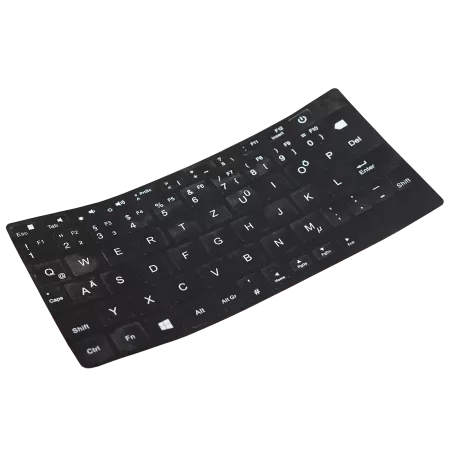
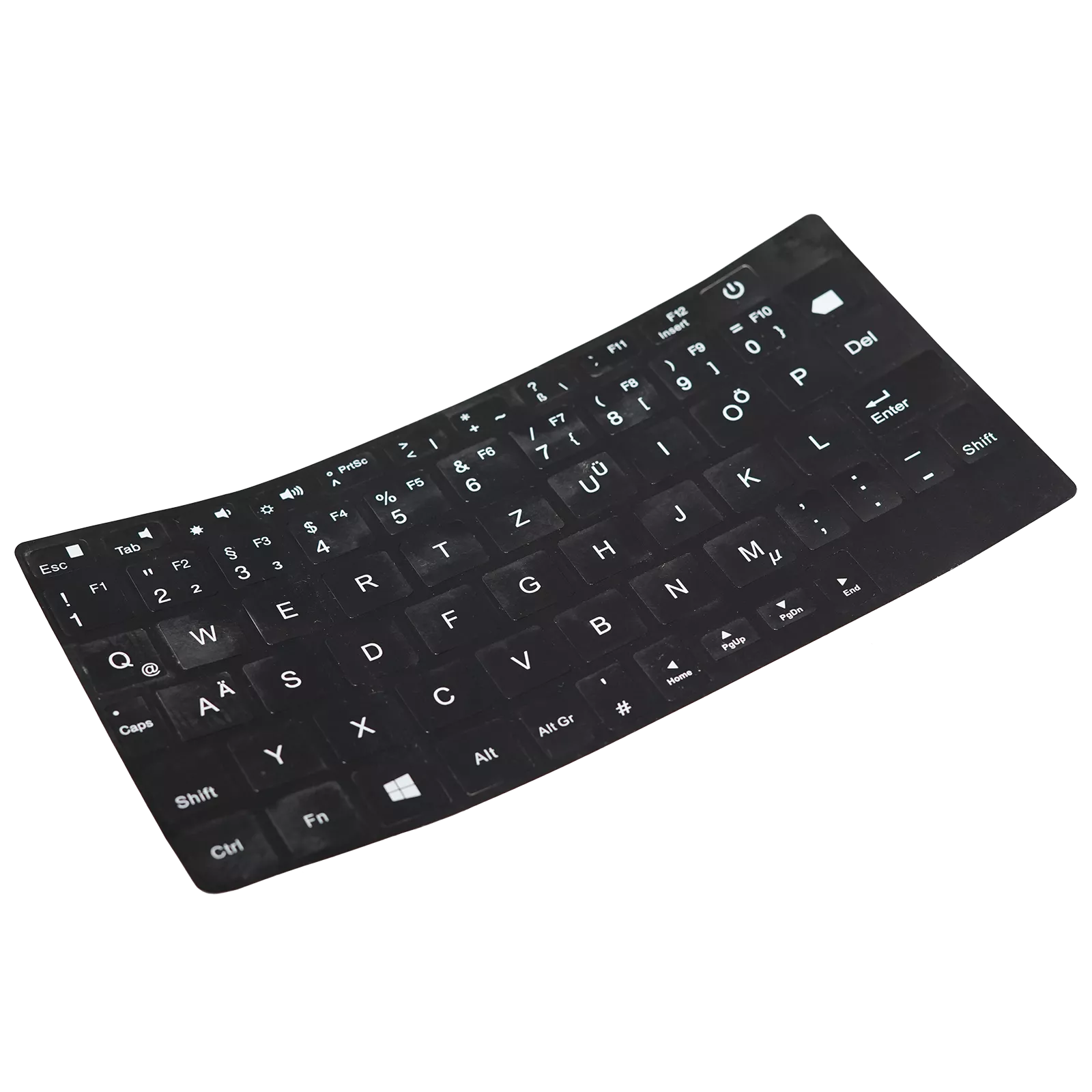
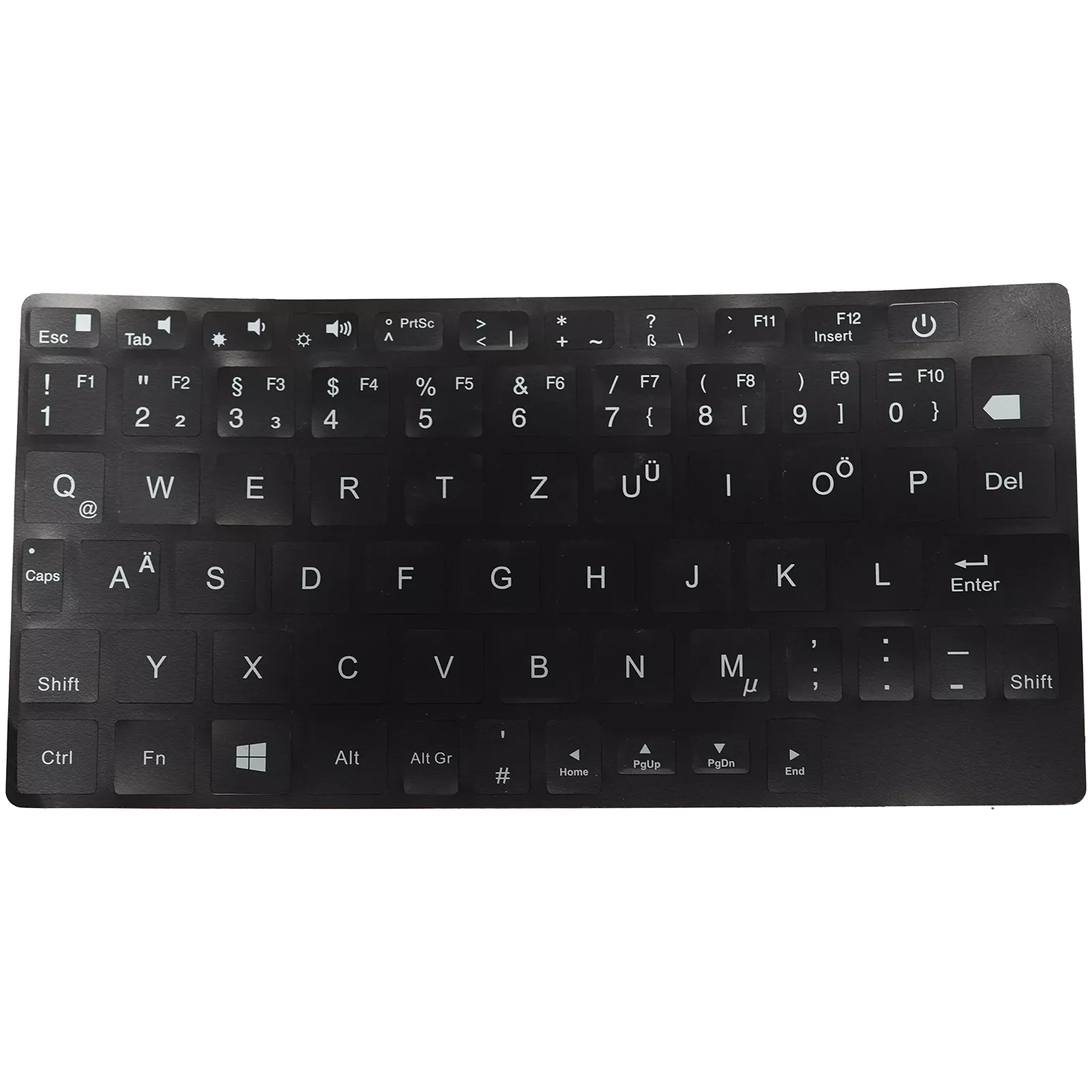
Finally type like you're supposed to on your OneMix3 - with a real German keyboard!
The OneMix3 series features one of the best keyboards you'll find on any UMPC - but there's a catch: it only comes with a US layout. Sure, you can switch to German in Windows, but that creates a frustrating mess with keys scattered all over the place and nothing where you expect it to be.
We worked directly with the manufacturer to solve this problem once and for all. This kit includes custom firmware that transforms your OneMix3's keyboard driver to a proper German QWERTZ layout, plus a complete set of high-quality keyboard stickers so you can actually see where everything is. The stickers are abrasion-resistant and textured to feel great under your fingers.
Compatible with Your OneMix3
This solution works perfectly with the entire OneMix3 family: whether you have the standard OneMix3, the OneMix3s, OneMix3 Platinum, or OneMix3 Pro - you're covered. One kit fits them all.
Is Flashing the Firmware Safe?
Absolutely! Since you're only updating the keyboard driver and not the main system firmware, there's virtually no risk involved. Even if the update process gets interrupted somehow, your OneMix3 will still boot normally - only the keyboard won't work temporarily. Simply run the flash process again and you're back in business. There's zero risk of bricking your device.
How the Flashing Process Works
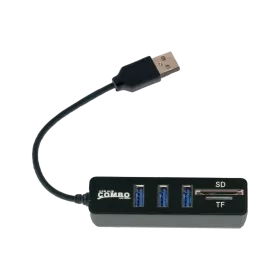
The flashing process is straightforward and takes just minutes. Currently, flashing requires Windows - if you're running Linux, you'll need to boot into a Windows environment temporarily (a USB stick works fine). Download the firmware files from this product page. You'll get an EXE file and a HEX file in the archive. Run the EXE, select the HEX file, click start, and you're done. The best part? You can always flash back to the original US layout whenever you want.