Anbernic RG G01 – Controller With Screen & Heart Rate
zoom_out_map
Sold items

This item has been sold

8
times
Anbernic RG G01 Controller (incl. Smartphone Holder)
Anbernic RG G01 Controller (incl. Smartphone Holder) Anbernic RG G01 Controller (incl. Smartphone Holder) Anbernic RG G01 Controller (incl. Smartphone Holder) Anbernic RG G01 Controller (incl. Smartphone Holder) Anbernic RG G01 Controller (incl. Smartphone Holder)

Anbernic RG G01 Controller (incl. Smartphone Holder)

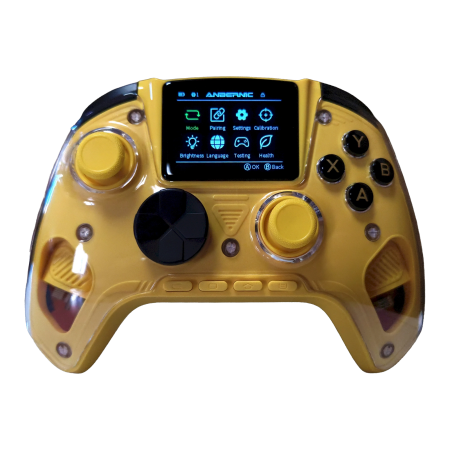
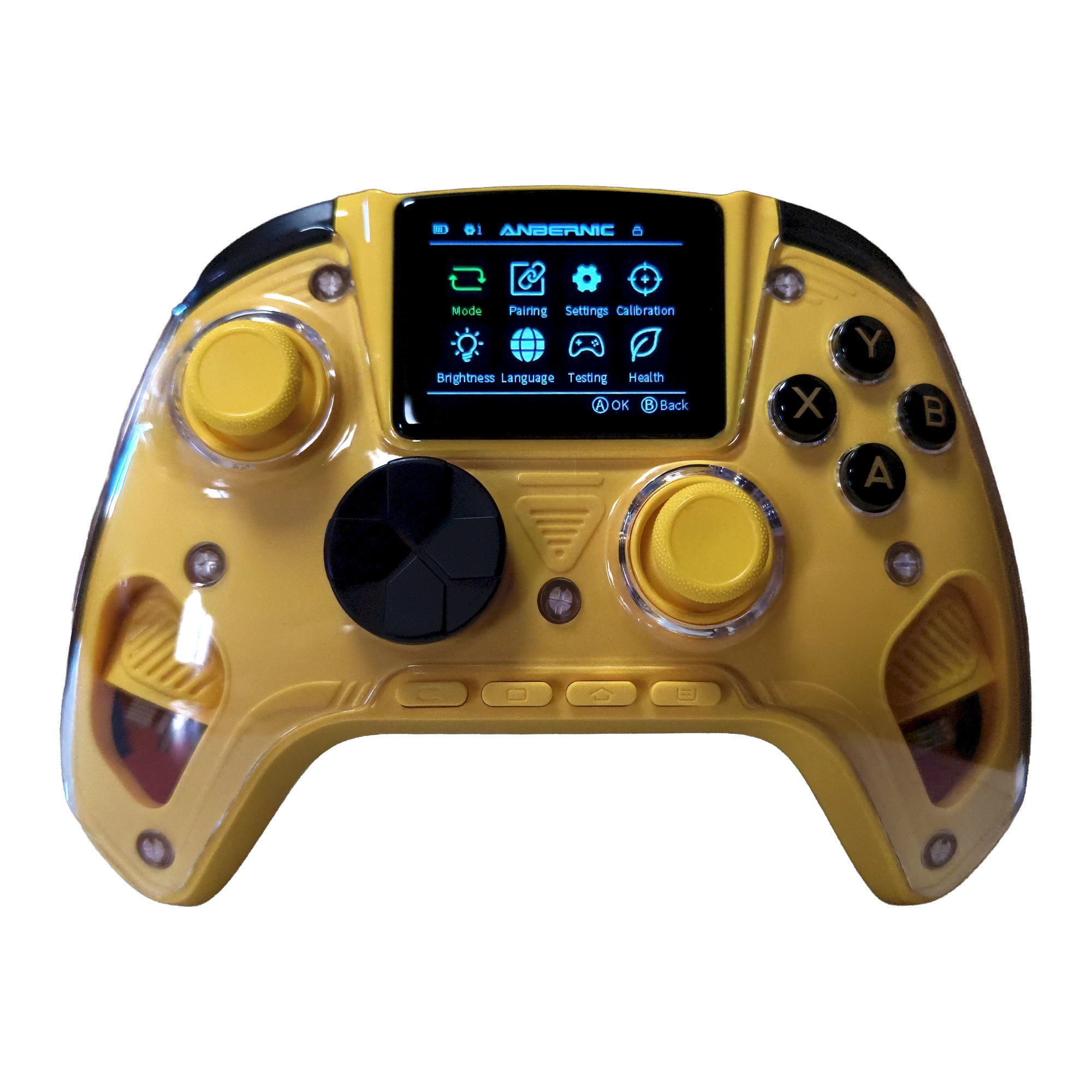
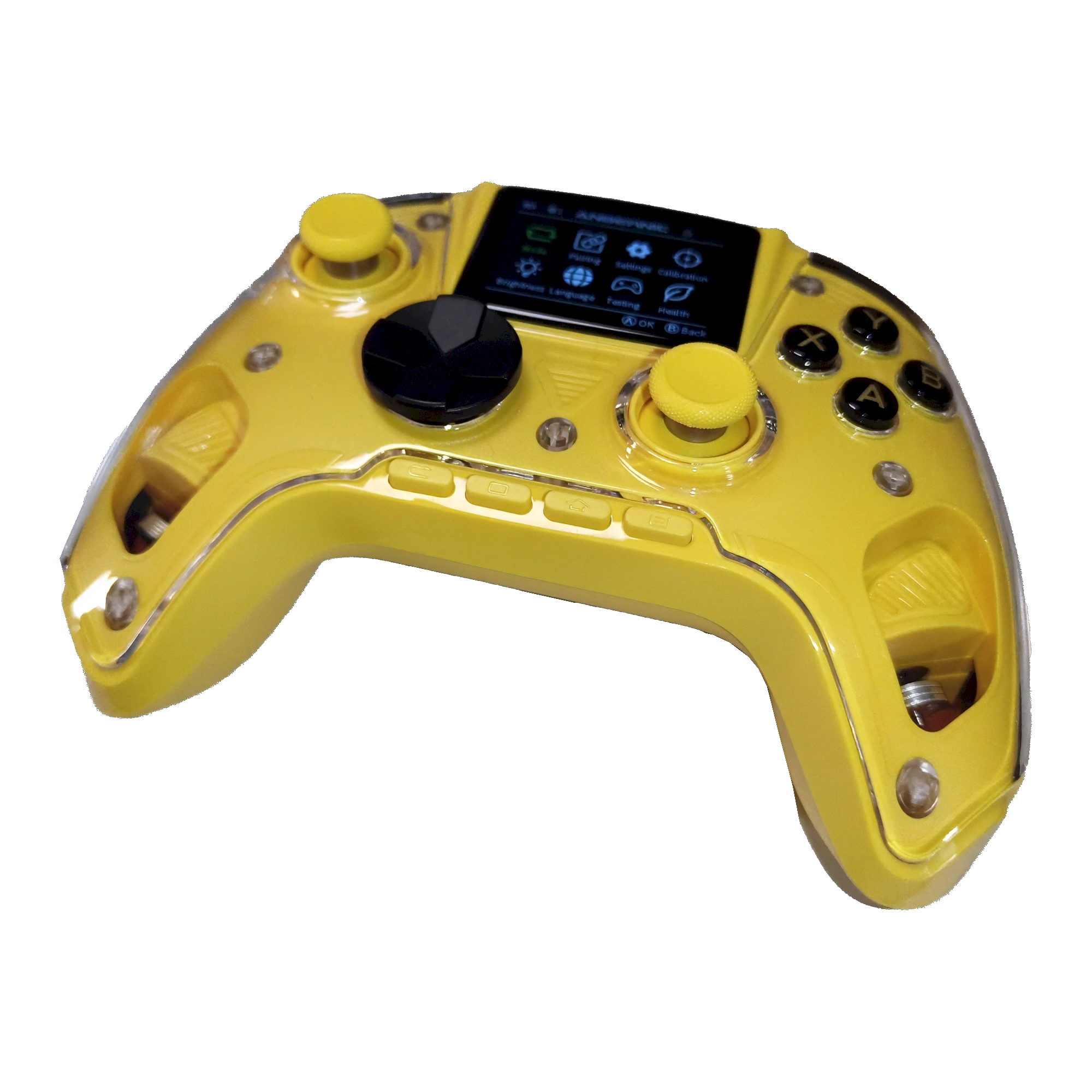
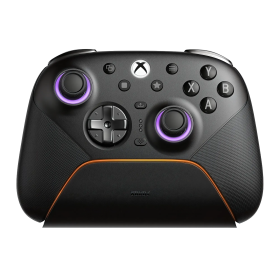
The Anbernic RG G01 is a smart multi-platform controller featuring a built-in 2.5D IPS display, drift-resistant electro-inductive sticks, and an integrated heart rate sensor – a true one-of-a-kind in the controller world.

  • Platforms: PC / Steam / Linux / Switch / Switch 2 / Android / iOS
  • Connection: Bluetooth 5.0 / 2.4GHz wireless / Wired (USB-C)
  • Polling rate: 1000Hz (wired & 2.4GHz)
  • Battery: 2100mAh – up to 21 hours playtime
  • Colors: White / Yellow / Black

€59.00 Tax included (25.5%)

4 in stock
Ships in 1 - 3 Days

Color

Color:

Sold items

This item has been sold

8
times

Anbernic RG G01 – The Controller With Brains (and a Heartbeat)

Anbernic is known for its retro handhelds. With the RG G01, the brand takes an unusual step: a full-featured multi-platform controller packed with features you simply don't expect at this price point. A built-in color display. A heart rate sensor. Electro-inductive sticks immune to drift. This is not your average gamepad.


Built-in IPS Display – Your Configuration Center on the Controller

Right in the middle of the controller sits a 2.5D Curved IPS Full-Laminated Smart Screen, letting you configure everything directly on the device: button mapping, macros, vibration intensity, connection mode – no PC software or app required. This is especially handy when switching between devices or quickly remapping the layout for a specific game. Reviewers describe the screen as „by far my favorite aspect" of the controller.


Electro-Inductive Sticks – No Drift, More Precision

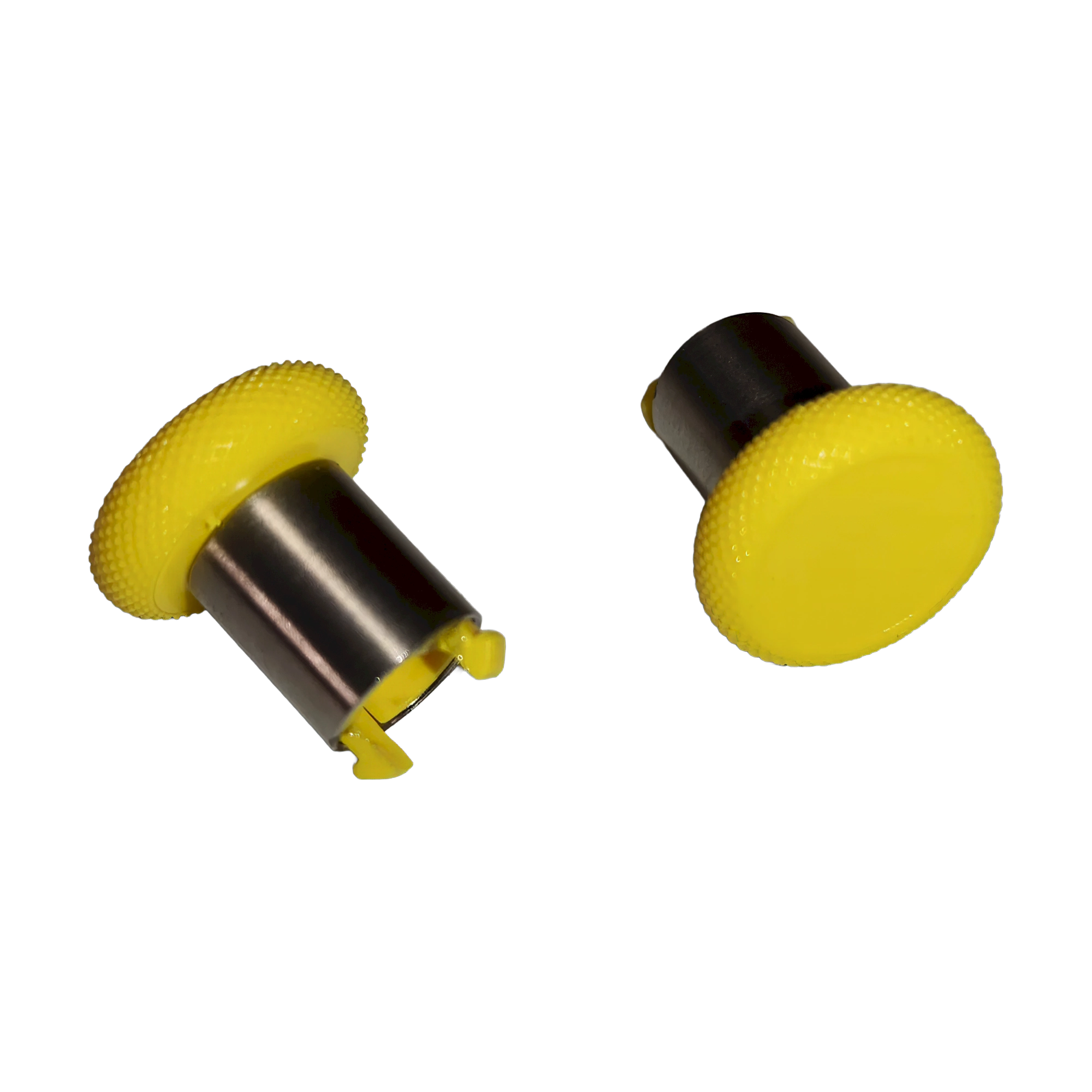
The RG G01 uses Purple Kirin electro-inductive joysticks – a relatively new technology that relies neither on magnets nor on physical contact between the sensor and conductive element. The result: no mechanical wear, no drift, and a resolution reportedly several times higher than traditional Hall Effect or TMR sticks. They also feature a metal ring and POM anti-wear ring, plus interchangeable thumbstick caps in two heights.


Hall Effect Triggers With Two-Stage Locks

The triggers use classic Hall Effect technology – also contactless and drift-resistant. On top of that, there are two-stage trigger locks to shorten the actuation travel – ideal for shooters or racing games where rapid tapping matters.


True Multi-Platform Support

The RG G01 supports PC (XInput/DInput), Steam, Linux, Nintendo Switch, Switch 2, Android, and iOS. Connection options include Bluetooth 5.0, 2.4GHz dongle, or USB-C cable. Polling rate is 1000Hz via wired or 2.4GHz, and 180Hz via Bluetooth. Important note for Switch users: the controller uses an Xbox layout, not the Nintendo layout (A/B and X/Y are swapped). It also does not wake the Switch from sleep mode.


Heart Rate Sensor – The Most Unusual Feature

Sensors built into both grips measure your pulse in real time and display it on the screen. There's even a heart rate alarm function. Whether this is relevant to gameplay is debated among reviewers – some love it, others consider it gimmicky. One thing is certain: you won't find this in any other controller at this price.


More Features at a Glance

  • 6-axis gyroscope for motion control
  • Dual Asymmetric Pendulum Motors (rumble)
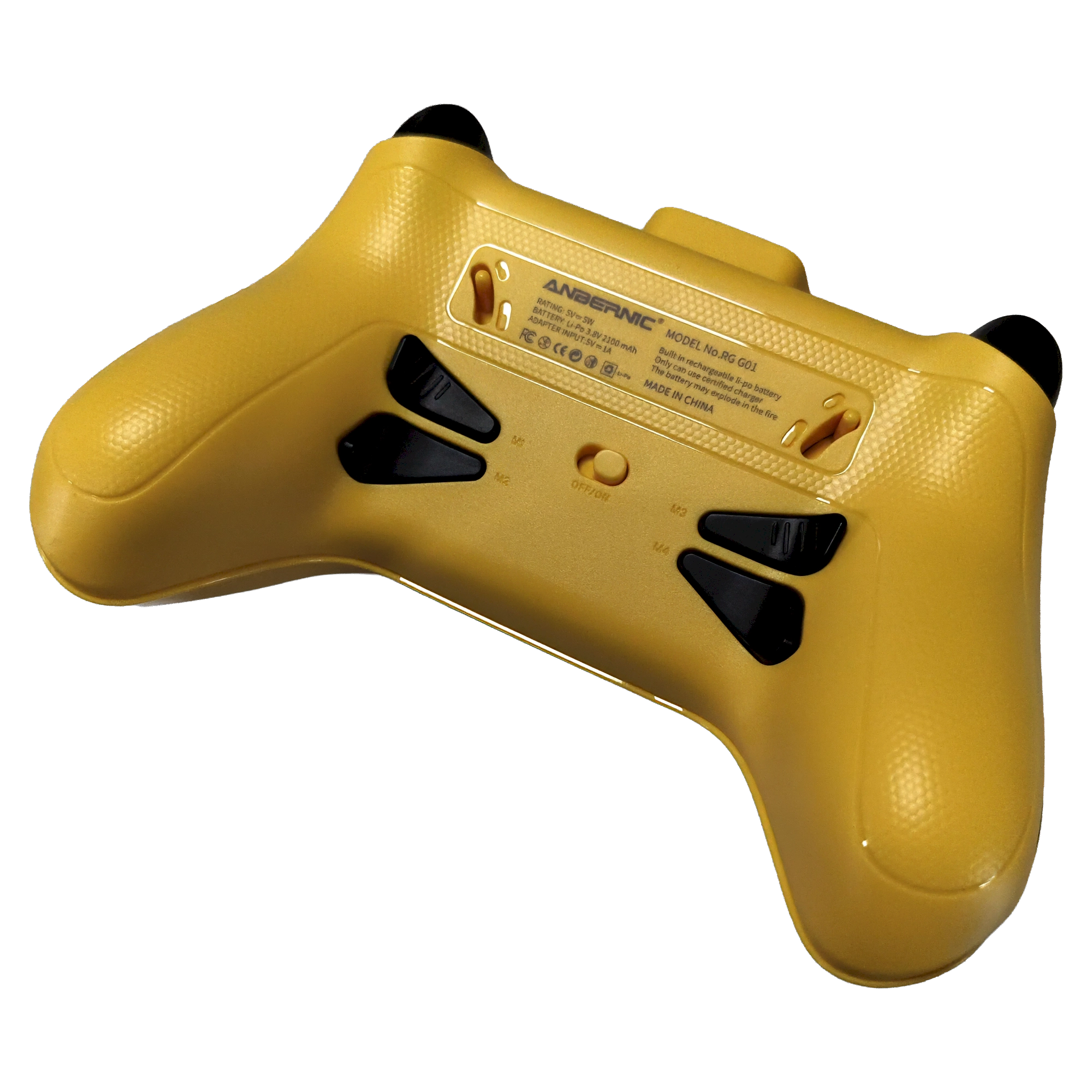
  • 4 programmable macro buttons (note: positioned close to the grips – accidental presses possible)
  • 5 configuration profiles (4 general + 1 for Nintendo Switch)
  • Removable faceplate
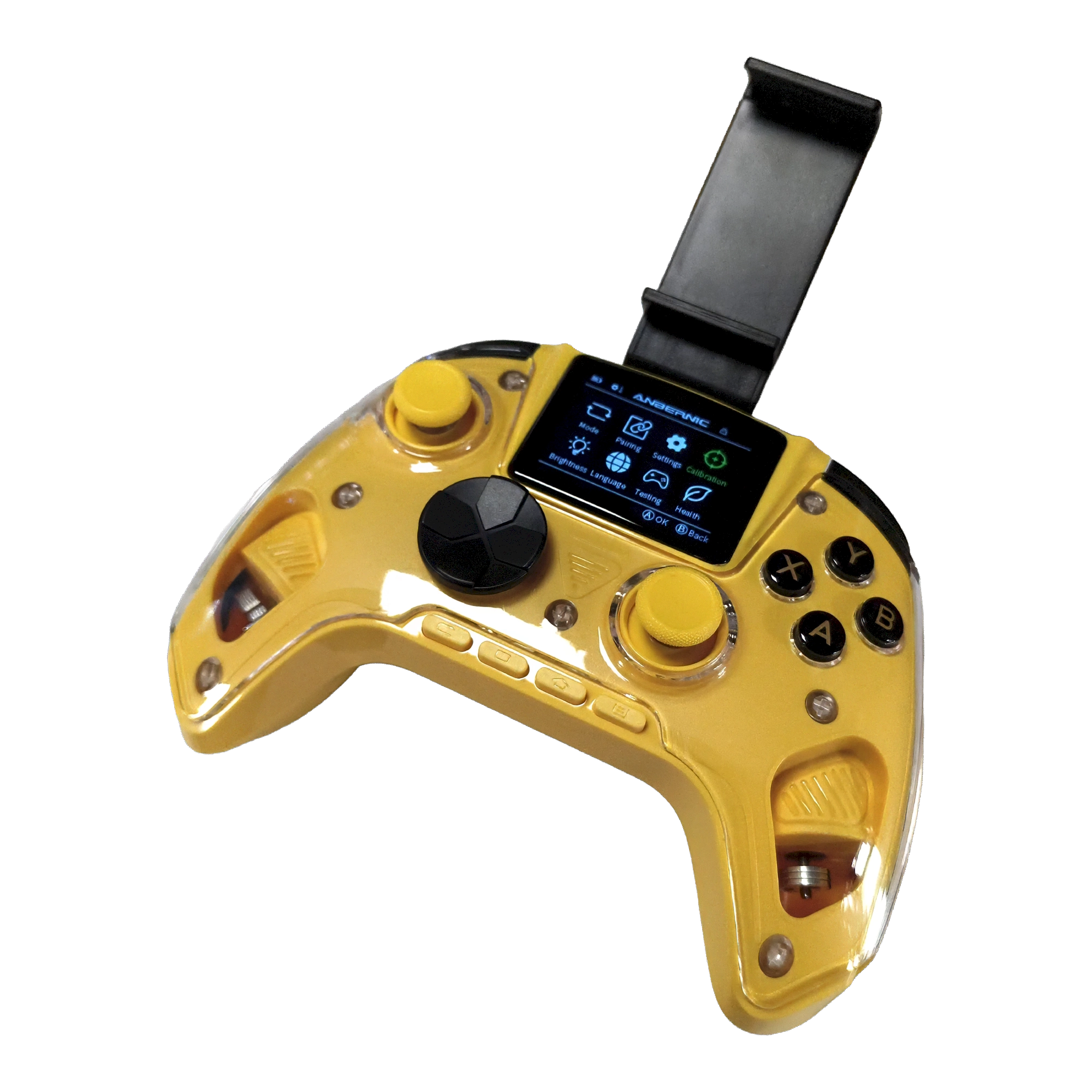
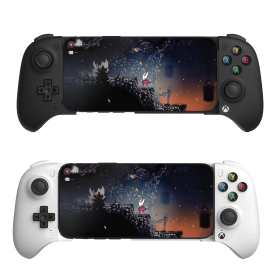
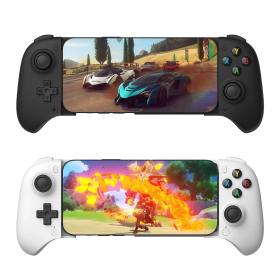
  • Phone mount included (for mobile gaming with the controller)
  • Languages: Chinese, English, Japanese, Spanish, Korean

Technical Specifications

Colors White / Yellow / Black
Platforms PC / Steam / Linux / Switch / Switch 2 / Android / iOS
Display 2.5D Curved IPS Full-Laminated Smart Screen
Connection Bluetooth 5.0 / 2.4GHz / USB-C cable
Polling Rate 1000Hz (wired & 2.4GHz) / 180Hz (Bluetooth)
Joystick Type Purple Kirin electro-inductive, metal ring, POM ring, interchangeable height
Triggers Hall Effect, two-stage trigger locks
Vibration Dual Asymmetric Pendulum Motor
Gyroscope 6-axis
Battery 2100mAh, approx. 21 hours, charge time approx. 2 hours (5V)
Dimensions 15.5 × 10.9 × 6.3 cm / 288g
Macro Buttons 4 programmable buttons
Other Heart rate sensor, heart rate alarm, removable faceplate
In the Box Controller, 2.4GHz receiver, USB-C cable, 2× tall thumbstick caps, phone mount, quick start guide
Anbernic
ANB-RGG01-YLW
4 Items
Product Manufacturer
4260416655850
System
Android handheld
Linux handheld
Nintendo Switch
Nintendo Switch 2
Windows PC
Controller type
Gamepad
Touchscreen
Yes
Device weight (g)
288
Battery category
Secondary, 1-50g
WEEE registration number
23582226
Battery weight (g)
44
Device dimensions (W × H × D)
155 × 109 × 63 mm
Controller connector
USB
Connection type
2.4 GHz wireless
Bluetooth
Multi-touch
Yes
Deadzone adjustment
Freely adjustable
Stick calibration
On controller

DRAGONBOX KNOW-HOW

Practical answers about compatibility, features and how things work.

What is the difference between 2.4 GHz wireless and Bluetooth controllers?

Both types of connection are wireless and use the 2.4 GHz frequency band. The difference is the transmission technology: Bluetooth is a widely used standard, whereas “2.4 GHz wireless” usually refers to a manufacturer's own radio link with a matching receiver.

Bluetooth: flexible and widely compatible

Many PCs, gaming handhelds, smartphones, tablets and consoles support Bluetooth controllers. If the controller is compatible with the device, you usually pair it once through the Bluetooth settings. After that, it will normally reconnect automatically.

No additional receiver is needed, leaving a USB port free.

However, not every Bluetooth-enabled device supports every Bluetooth controller. Game consoles in particular may require certain controller models or input modes.

2.4 GHz wireless: plug in and play

Controllers using 2.4 GHz wireless usually come with a matching USB receiver (dongle). Plug it in and switch the controller on. The two are often paired already.

This offers several advantages:

  • No Bluetooth menu or Bluetooth manager setup is needed.
  • It also works with compatible devices that have no built-in Bluetooth.
  • Many systems recognize the receiver as a regular USB controller.
  • That can be particularly useful for PCs, retro systems and other devices with USB ports.

The device must still support the particular receiver and its input mode. Not every dongle automatically works with every system. Some retro controllers also use dedicated receivers for particular consoles.

What about speed?

Many 2.4 GHz controllers offer high polling rates and low, consistent latency. Modern Bluetooth controllers can also be very fast, however. Actual performance depends on the specific controller and connection.

Which connection should I choose?

Bluetooth is especially useful if you want to use a controller with different compatible devices without carrying an extra receiver.

2.4 GHz wireless is often a good choice if you want a straightforward setup, prefer a responsive connection, or use a device without Bluetooth.

Check the product's technical specifications to see which connections and systems it supports.

What do polling rate and latency mean for a controller?

Polling rate and latency both affect how quickly a controller responds to your inputs, but they describe two different things.

What is polling rate?

Polling rate describes how often the controller or its connection reports or requests new input data from the system.

It is measured in hertz (Hz).

Polling rateReporting interval
125 Hz8 milliseconds
250 Hz4 milliseconds
500 Hz2 milliseconds
1,000 Hz1 millisecond

The higher the polling rate, the shorter the interval between input reports can be.

A high polling rate can therefore be useful in fast-paced games. The connected system must also support the relevant reporting rate.

What is latency?

Latency is the delay between an action on the controller and the moment the system registers that input.

Several factors contribute to this delay:

  • How quickly the controller detects and processes the button press.
  • How long transmission via cable, Bluetooth or 2.4 GHz wireless takes.
  • How quickly the connected system processes the input.

Before the action becomes visible on the screen, the game and display introduce additional processing delays.

Does a 1,000 Hz polling rate automatically mean 1 ms of latency?

No. At 1,000 Hz, only the reporting interval is one millisecond. The total input delay can be considerably higher.

In practice, a well-optimized controller running at 500 Hz can therefore respond faster than a poorly optimized controller running at 1,000 Hz.

Which values matter?

For most games, consistently low latency matters more than the highest possible polling rate.

Low delays can be especially beneficial for fast action games, shooters and competitive games. In retro games, processing by emulators, consoles or FPGA systems and the display also matter.

Our tip: A high polling rate is an interesting technical specification, but does not by itself prove that a controller is fast. Measurements of real-world latency under comparable conditions are more meaningful.

How do I adjust the deadzone and calibrate the sticks on the Anbernic RG G01?

The RG G01 can be configured using its built-in display without a PC app.

Open the menu: Power on the controller, then hold HOME for about three seconds on the pairing screen. Navigate with the D-pad or sticks, confirm with A and return with B.

Deadzone: Settings vary by firmware version. A firmware update adds a choice between circular and square outer deadzones, among other customization options. The precise settings available depend on the installed firmware.

Calibration: Open Calibration in the controller menu and follow the on-screen instructions to recalibrate the analog sticks and triggers. Only recalibrate if inputs are behaving incorrectly.

Manufacturer
Shenzhen Yangliming Electronic Technology Co.,
No. 2 Road, Baoan, No. 71 Area
2th Floor, Environmental Monitoring Station, Liuxian
518000 Shenzhen, Guangdong
China
EU responsible person
OpenPandora GmbH
+49 841 1317733
Asternweg 5
Michael Mrozek
85080 Gaimersheim
Germany
chat Comments (0)
Anbernic RG G01 Controller (incl. Smartphone Holder)
€59.00