




€5.00

|
This item has been sold |
| 4 | |
| times |
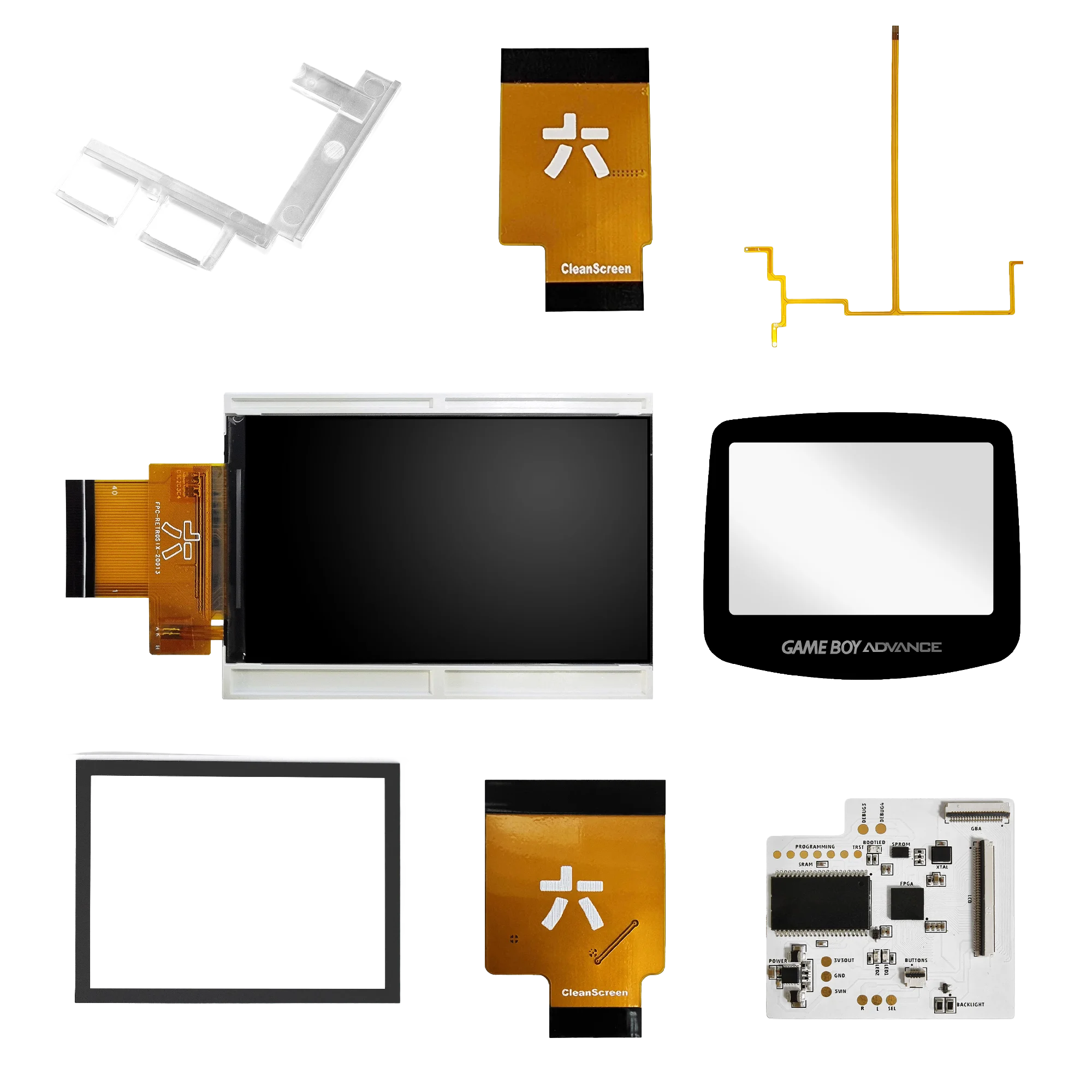
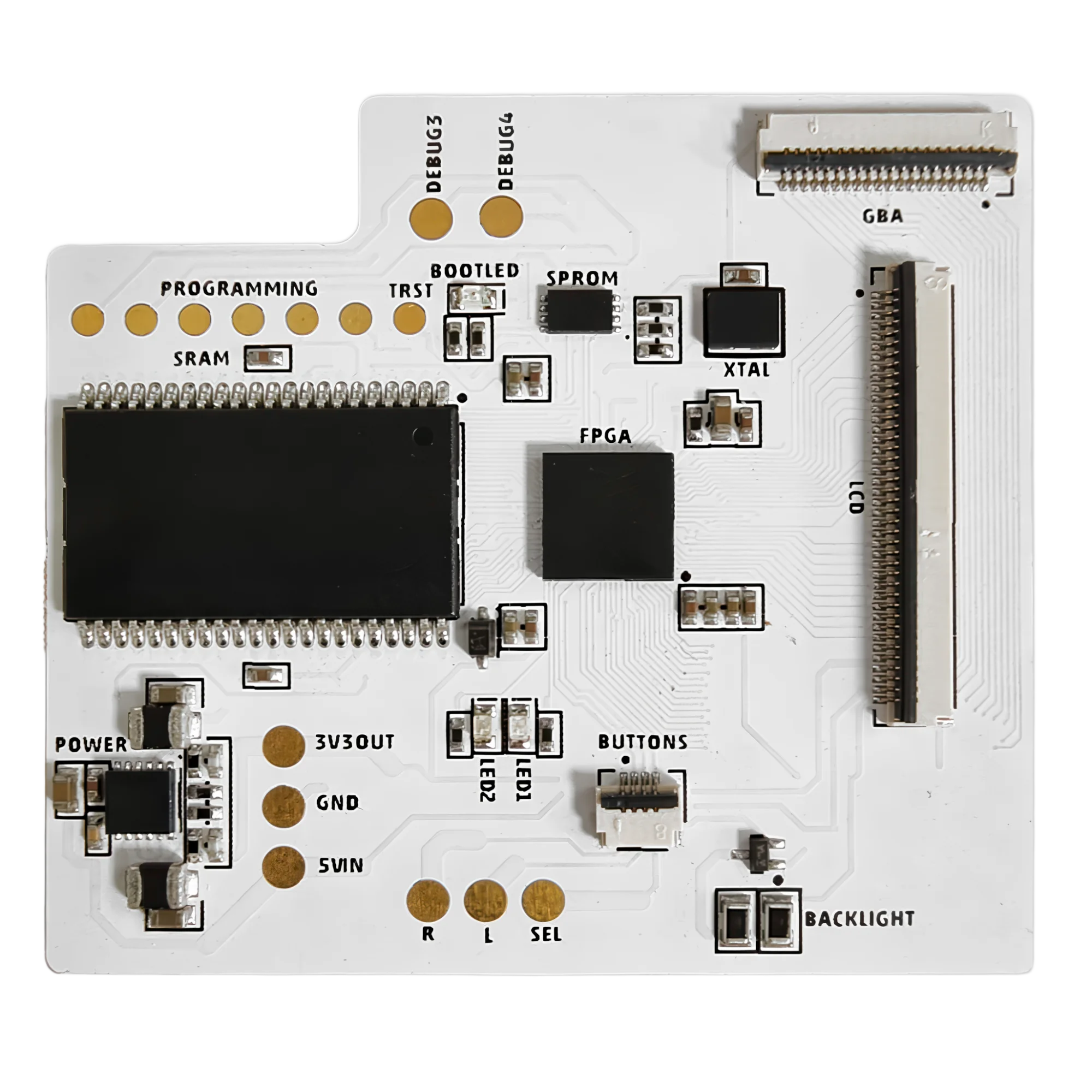
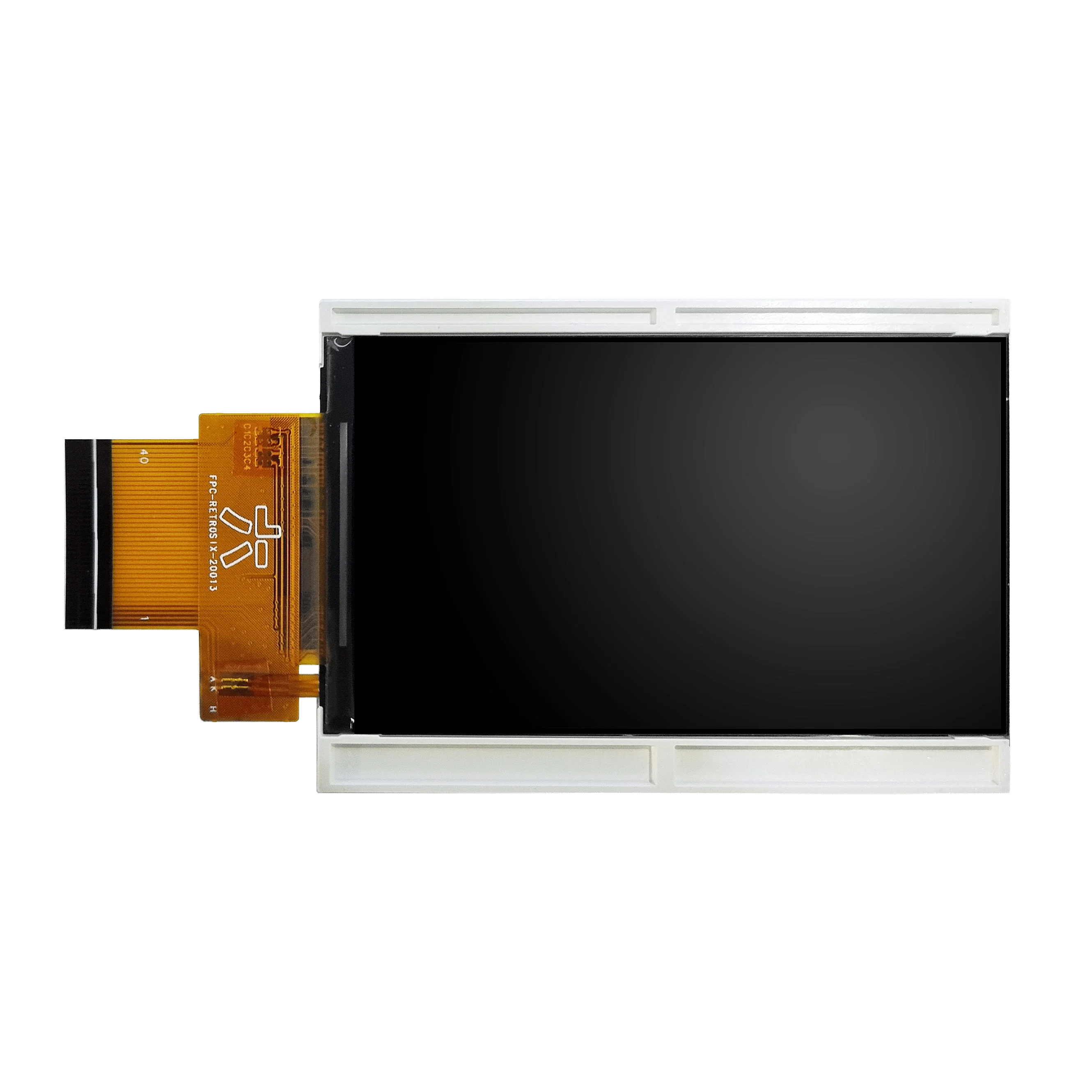
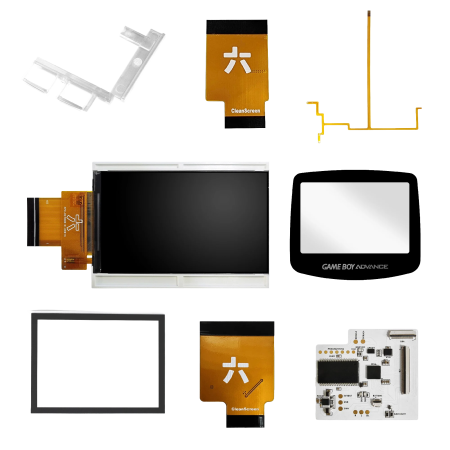
Game Boy Advance CleanScreen Screen Kit (IPS)

The RetroSix CleanScreen IPS Kit is the best display upgrade available for your Game Boy Advance – modern IPS panel, true-to-original colors, and zero compromises on retro feel.
- Drop-in solution: no cutting or trimming of OEM shells required
- Identical pixel size to the original display
- True Color mode: color calibration matching the AGS-101 standard
- Zero ghosting, tearing or flickering
- Ultra-low power draw: lowest of all IPS kits on the market
RetroSix CleanScreen – The IPS Upgrade That Fixes Everything
The original GBA screen is a relic: no backlight, weak contrast, and it often fails entirely. Standard IPS upgrades fix the backlight issue but bring a whole new set of problems: ghosting, tearing, oversaturated colors, oversized panels, backlight bleed, and no transparency support – a no-go for purists. The RetroSix CleanScreen takes care of all of that.
The Best of Both Worlds
The CleanScreen is brand new, yet behaves exactly like the original screen. Pixel size is absolutely identical to the original GBA display, and color calibration is tuned to the beloved AGS-101 – the most popular and color-accurate model in the GBA family. Unlike generic IPS kits (which simply repurpose phone screens), the CleanScreen was designed specifically for the Game Boy Advance.
Features at a Glance
- Drop-in fit: no modifications needed for OEM or RetroSix shells
- Identical pixel size to the original GBA display
- Zero ghosting / zero tearing / zero flickering / no backlight bleeding
- True Motion: full transparency support – no flickering during semi-transparency effects in games
- True Color mode: accurate color reproduction matching the AGS-101 standard
- OSD menu (On-Screen Display) for brightness, color modes, scanlines, pixel grid and screen position
- Color modes: True Color / IPS / Grey / DMG – selectable via OSD
- Infinitely adjustable brightness via OSD
- Scanline and pixel grid emulation via OSD
- Ultra-low power draw: lowest of all IPS kits on the market – approximately 40 mA less than the competition
- No soldering required for basic installation (drop-in into OEM shell)
- Optional ribbon cable (wire-free) to control the OSD menu via GBA buttons
- Compatible with 32-pin and 40-pin GBA motherboards
Installation
Remove the old screen, insert the CleanScreen, connect the cable – done in minutes. The optional button ribbon cable enables OSD control directly via the GBA buttons and is recommended but not required. Installation guides are available on the RetroSix Wiki and YouTube.
Important Note Before Installation
The display is fragile – always test before installing (dry run outside the shell, without adhesives or soldering). Damage caused during installation may void warranty. Installation requires basic technical knowledge and appropriate tools.
CleanScreen vs. Generic IPS Kit
Generic IPS kits are cheaper because they use repurposed smartphone screens – and it shows: wrong colors, ghosting, flickering during transparency effects (e.g. in Pokémon or Castlevania), often an oversized panel. The CleanScreen was built from the ground up for the GBA and solves exactly these issues. If you want the best, CleanScreen is the answer.
chat
Comments (0)

GBA FlexAmp including. speakers
Last items in stock
€19.00
PlayStation 1 USB-C Power Supply
Out-of-Stock
€49.00
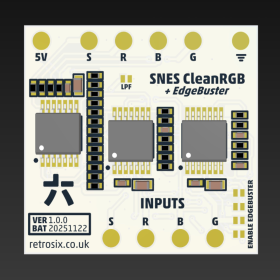
SNES SFC CleanRGB + EdgeBuster
In Stock
€23.00
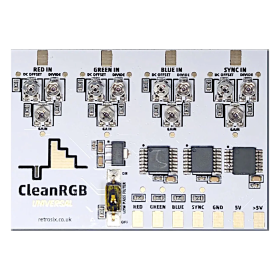
CleanRGB Universal
In Stock
€29.00