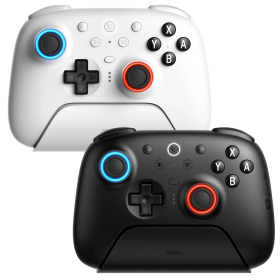


8BitDo Pro 2 Wired Controller - gray
zoom_out_map
8BitDo Pro 2 Wired Controller - gray
8BitDo Pro 2 Wired Controller - gray 8BitDo Pro 2 Wired Controller - gray 8BitDo Pro 2 Wired Controller - gray 8BitDo Pro 2 Wired Controller - gray 8BitDo Pro 2 Wired Controller - gray 8BitDo Pro 2 Wired Controller - gray
Out-of-Stock

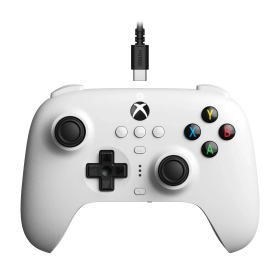
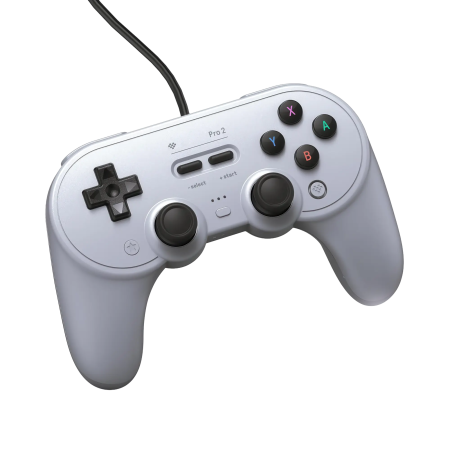
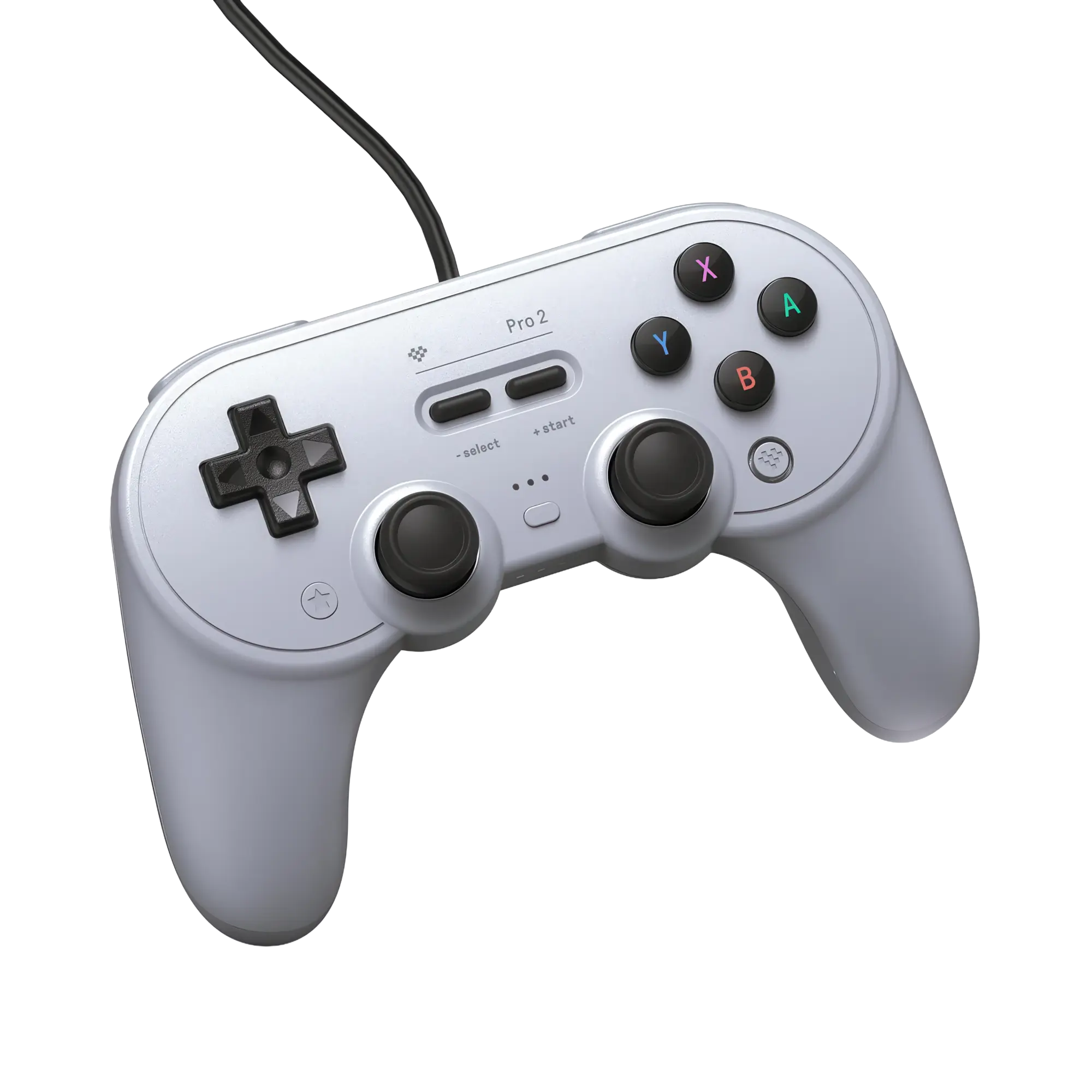
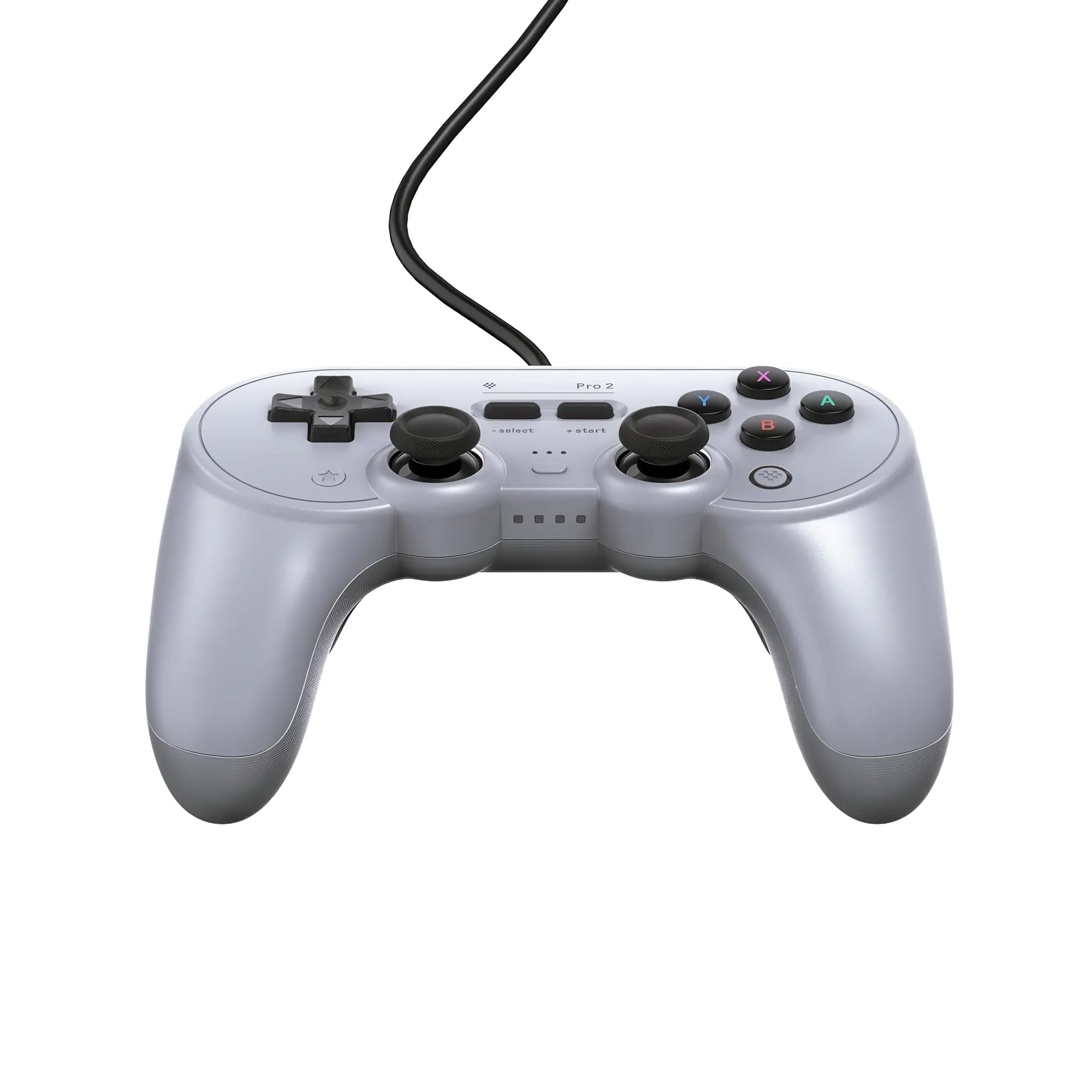
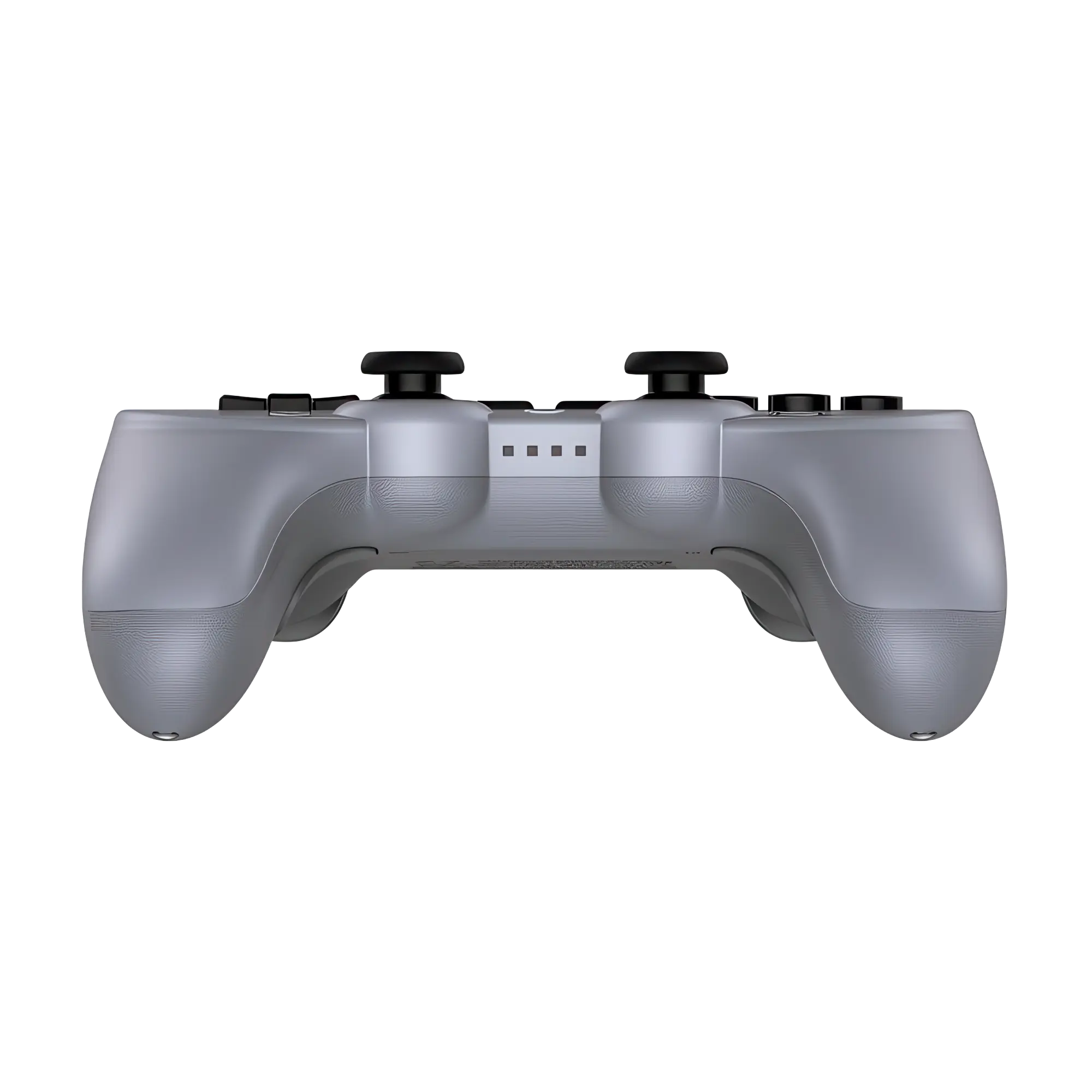
8BitDo Pro 2 Wired Controller Gray (Switch, PC, Android, Steam Deck)

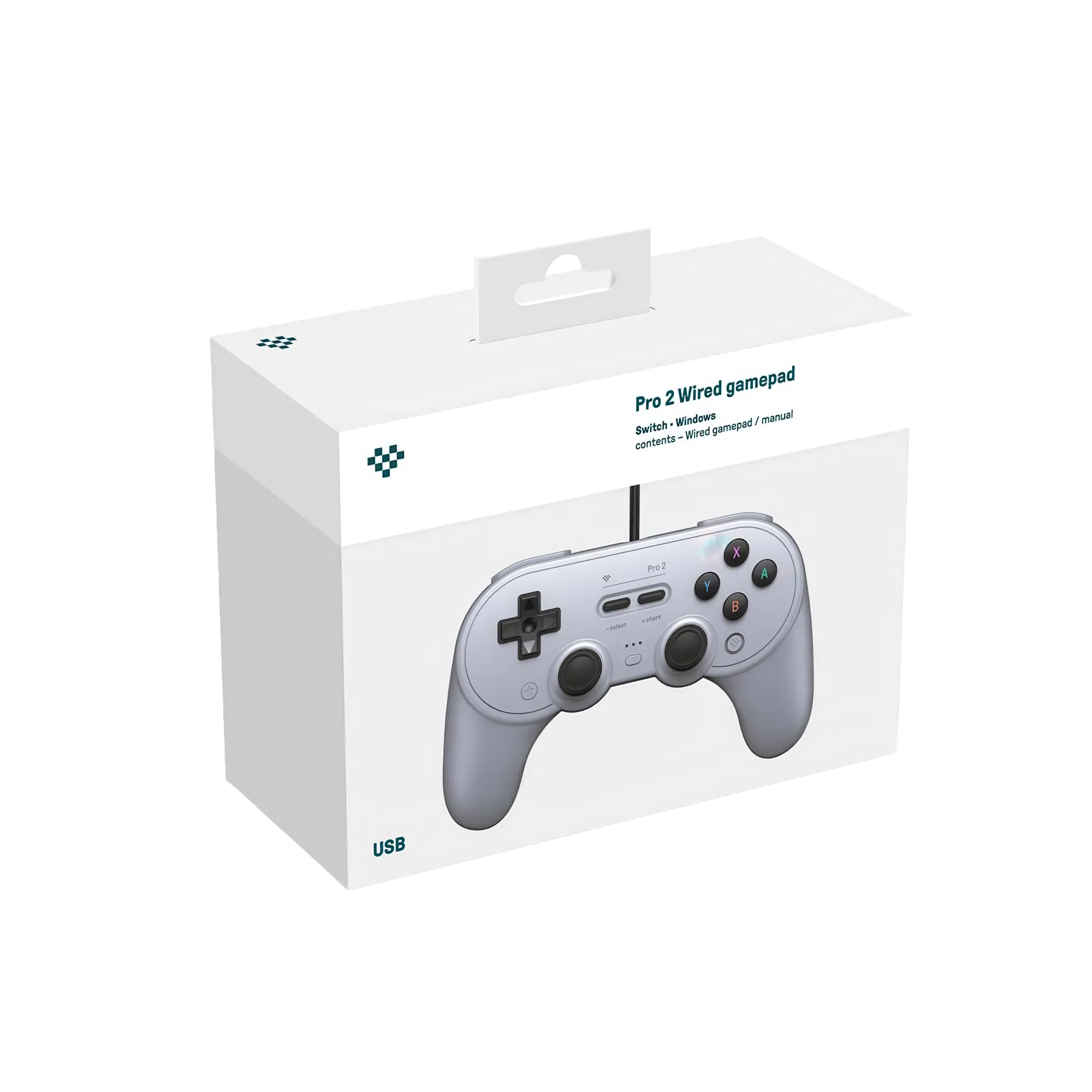
8BitDo Pro 2 Wired combines familiar symmetrical-stick ergonomics with two rear buttons and flexible input modes.

  • Wired play without battery concerns
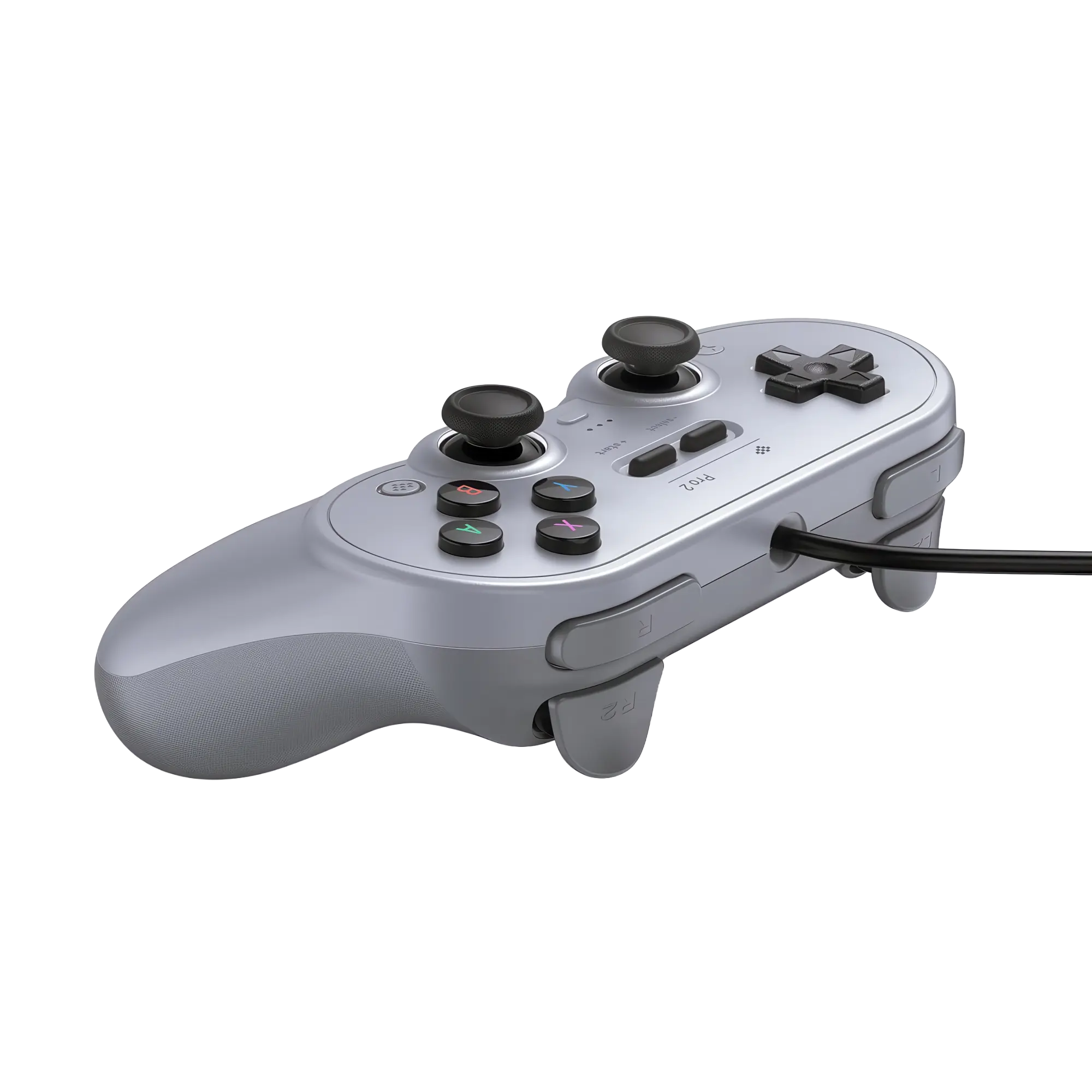
  • Two remappable back buttons
  • XInput, DInput and Switch modes

€32.90 Tax included (21%)

Out-of-Stock
What makes it special?

Pro 2 Wired uses symmetrical analog sticks and a dedicated D-pad. Two extra rear buttons, a comfortable grip and three instantly switchable profiles make it suitable for more demanding games. Ultimate Software on Windows lets you adjust mappings, sticks, triggers and vibration strength.

Connection and compatibility

USB works with Windows 10+, SteamOS/Steam Deck, Switch and Switch 2, Android 9 or newer, plus Raspberry Pi systems. Choose XInput, DInput or Switch mode. Wired connection means no receiver or charging routine.

Good to know

The gamepad weighs about 268 g. NFC, IR camera, HD rumble, motion control and waking a sleeping Switch are not supported.

In the box

Wired controller and manual.

8BitDo
RET00285
Product Manufacturer
6922621501824
System
Android
Nintendo Switch
Raspberry Pi
Windows PC
Controller type
Gamepad
Special features
Vibration
Device weight (g)
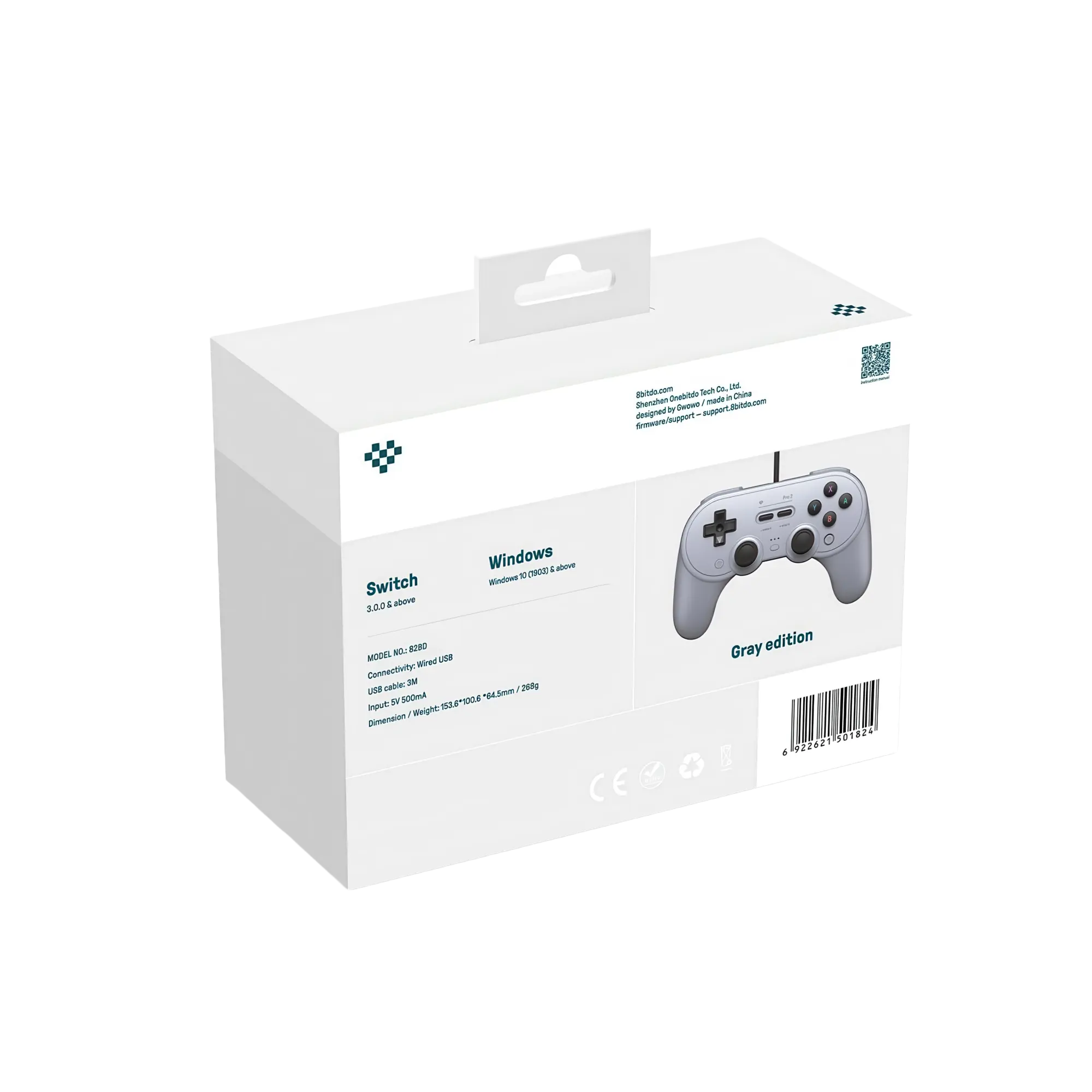
268
Device dimensions (W × H × D)
153.6 × 100.6 × 64.5 mm
Connection type
Wired
Number of analog sticks
2
Connection compatibility
Wired USB
Stick technology
Standard
Trigger technology
Linear
Controller layout
Gamepad
Motion control
No
Vibration
Yes
3.5 mm audio
No
Extra/back buttons
2 back paddles
3 profiles
Remapping/software
Ultimate Software (Windows)
Charging dock included
No
Input modes (USB)
DInput
Switch mode
XInput
Input mode switching
USB only: hold X while connecting for XInput, B for DInput (Android/Raspberry Pi), Y for Switch mode. No Bluetooth or 2.4G connection.
DRAGONBOX KNOW-HOW

Practical answers about compatibility, features and how things work.

What input modes are available: XInput, DInput, Switch and PlayStation?

XInput is the best choice for most PC gamers. This widely supported input mode follows the Xbox controller layout and is recognized directly by many modern Windows games. For most users, that is all they need. However, XInput support does not automatically mean a controller works on a real Xbox console.

DInput (DirectInput) is the older Windows standard. Some older PC games, such as Crimson Skies or Need for Speed: Underground 2, support DirectInput but not native XInput.

An additional DInput or generic USB HID mode can also be useful for retro gaming systems, FPGA devices, emulators and other specialized setups. Some devices support Xbox-compatible controllers, while others expect a standard USB HID gamepad. Which input modes work depends on the specific device and its software.

For example, MiSTer FPGA supports many USB controllers as well as Xbox-compatible input devices. Depending on the core, different button mappings or special input features may be required. DInput itself is therefore not a general requirement on MiSTer.

If you plan to use your controller with retro or FPGA systems, check which input modes are supported beforehand. A controller with several selectable modes offers more flexibility.

Switch mode makes the controller appear to compatible devices as a Nintendo Switch Pro Controller. It can be useful beyond the Switch: Steam Input, Linux and various applications can also support these controllers. However, not every PC game will recognize this mode automatically.

PlayStation mode can refer to different compatibility modes depending on the controller, such as PS4 controller or PlayStation Classic modes. There is no single universal PlayStation mode. Compatibility with a particular PlayStation console must be explicitly confirmed for the product.

Connection type matters: Not every input mode is available over every connection. Some controllers support DInput only via a USB cable, while others also offer it through a 2.4 GHz receiver or Bluetooth.

That is why our technical specifications list confirmed input modes separately for USB, 2.4 GHz and Bluetooth.

What do polling rate and latency mean for a controller?

Polling rate and latency both affect how quickly a controller responds to your inputs, but they describe two different things.

What is polling rate?

Polling rate describes how often the controller or its connection reports or requests new input data from the system.

It is measured in hertz (Hz).

Polling rateReporting interval
125 Hz8 milliseconds
250 Hz4 milliseconds
500 Hz2 milliseconds
1,000 Hz1 millisecond

The higher the polling rate, the shorter the interval between input reports can be.

A high polling rate can therefore be useful in fast-paced games. The connected system must also support the relevant reporting rate.

What is latency?

Latency is the delay between an action on the controller and the moment the system registers that input.

Several factors contribute to this delay:

  • How quickly the controller detects and processes the button press.
  • How long transmission via cable, Bluetooth or 2.4 GHz wireless takes.
  • How quickly the connected system processes the input.

Before the action becomes visible on the screen, the game and display introduce additional processing delays.

Does a 1,000 Hz polling rate automatically mean 1 ms of latency?

No. At 1,000 Hz, only the reporting interval is one millisecond. The total input delay can be considerably higher.

In practice, a well-optimized controller running at 500 Hz can therefore respond faster than a poorly optimized controller running at 1,000 Hz.

Which values matter?

For most games, consistently low latency matters more than the highest possible polling rate.

Low delays can be especially beneficial for fast action games, shooters and competitive games. In retro games, processing by emulators, consoles or FPGA systems and the display also matter.

Our tip: A high polling rate is an interesting technical specification, but does not by itself prove that a controller is fast. Measurements of real-world latency under comparable conditions are more meaningful.

What is the difference between 8BitDo Pro and Ultimate controllers?

At 8BitDo, “Ultimate” does not automatically mean “better” than “Pro”. The main difference between the two series is their shape and the arrangement of the D-pad and analog sticks.

Pro series: Inspired by classic SNES and PlayStation controllers. The D-pad sits at the upper left, with the left analog stick below it. The two analog sticks are symmetrically positioned. This layout appeals to fans of classic controllers and players who often use the D-pad.

Ultimate series: Inspired by modern Xbox and Nintendo Switch Pro controllers. Here the positions are reversed: the left analog stick is at the upper left, with the D-pad below it. The analog sticks are offset.

Important: The series name does not tell you which controller has more features or better technology. Connectivity, supported platforms, stick technology, triggers and extra features vary by model. Choose based on your preferred layout and the individual controller's specifications.

Manufacturer
8BITDO TECHNOLOGY HK LIMITED
610 Nathan Road
Rooms 1318-19, 13/F, Hollywood Plaza,
Mongkok, Kowloon
Hong Kong SAR China
EU responsible person
OpenPandora GmbH
+49 841 1317733
Asternweg 5
Michael Mrozek
85080 Gaimersheim
Germany
chat Comments (0)
8BitDo Pro 2 Wired Controller Gray (Switch, PC, Android, Steam Deck)
€32.90