One tiny connector, endless DIY possibilities for your Pandora!
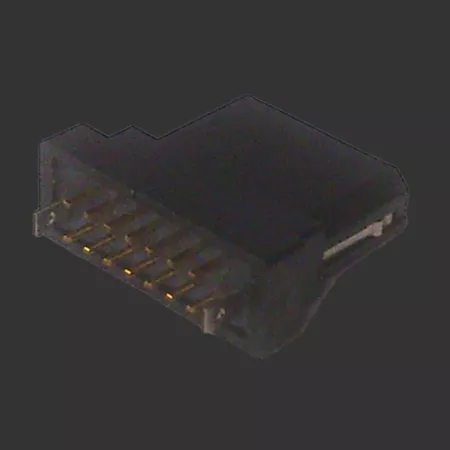
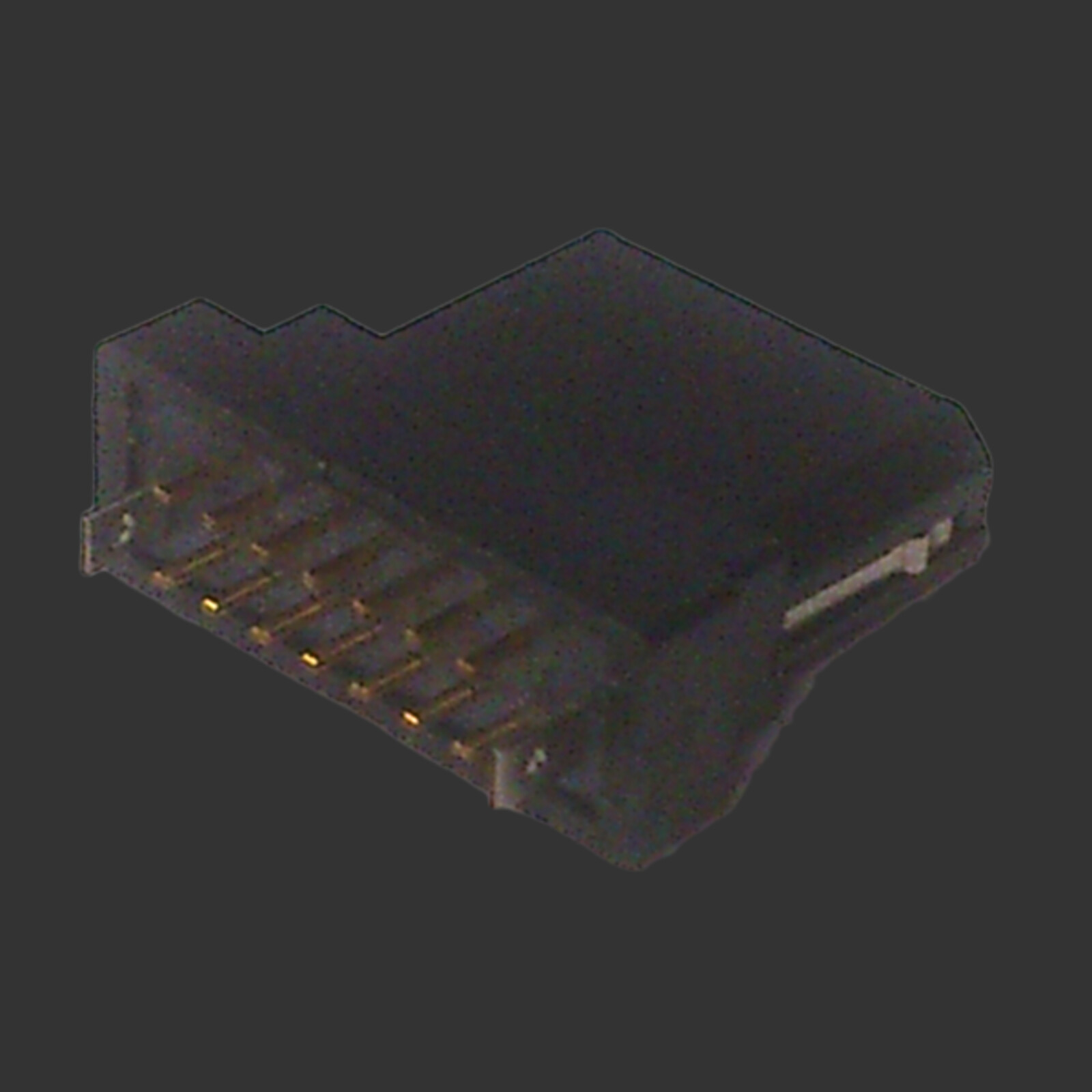
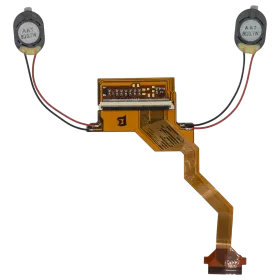
If you love getting hands-on with your OpenPandora, the Pandora EXT-Connector is exactly what you've been looking for. This is the genuine connector that slots right into the EXT-Port of your Pandora handheld, giving you a solid foundation to craft your own custom cables from scratch. Whether you're a seasoned hardware hacker or just starting to explore the wonderful world of DIY electronics, this little part opens up a surprising range of projects.
What Can You Build With It?
The possibilities are pretty exciting. Hook it up to build your own TV Out Cable and enjoy your Pandora on a bigger screen — great for retro gaming sessions with friends. Need to communicate with other hardware or do some low-level debugging? Wire up a Serial In/Out Cable and you're good to go. You can even create a custom Audio Line-In Cable to feed external audio signals directly into your Pandora. The EXT-Port is a versatile interface, and this connector is your key to unlocking it.
Part Details & Further Resources
The connector carries the part number 3111014-301-R, manufactured by Astron, so you know exactly what you're working with. For full pinout details, wiring diagrams, and community tips on what others have built, head over to the Pandora Wiki's hardware hacking section — it's packed with useful information to get your project off the ground. Grab your soldering iron and get creative!