8BitDo Lite Turquoise Bluetooth Controller for Switch & PC
zoom_out_map
8BitDo Lite Turquoise Bluetooth Controller for Switch & PC
8BitDo Lite Bluetooth Gamepad Turquoise (Switch, PC) 8BitDo Lite Bluetooth Gamepad Turquoise (Switch, PC) 8BitDo Lite Bluetooth Gamepad Turquoise (Switch, PC)
New

8BitDo Lite Bluetooth Gamepad Turquoise (Switch, PC)

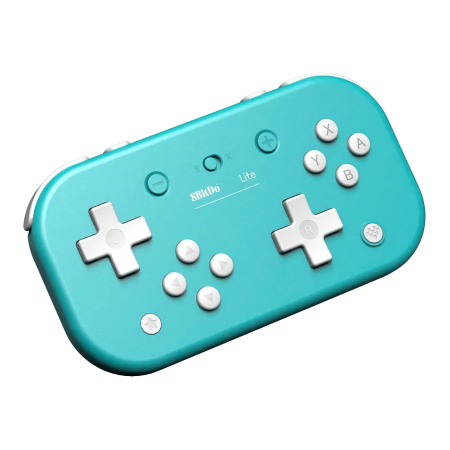
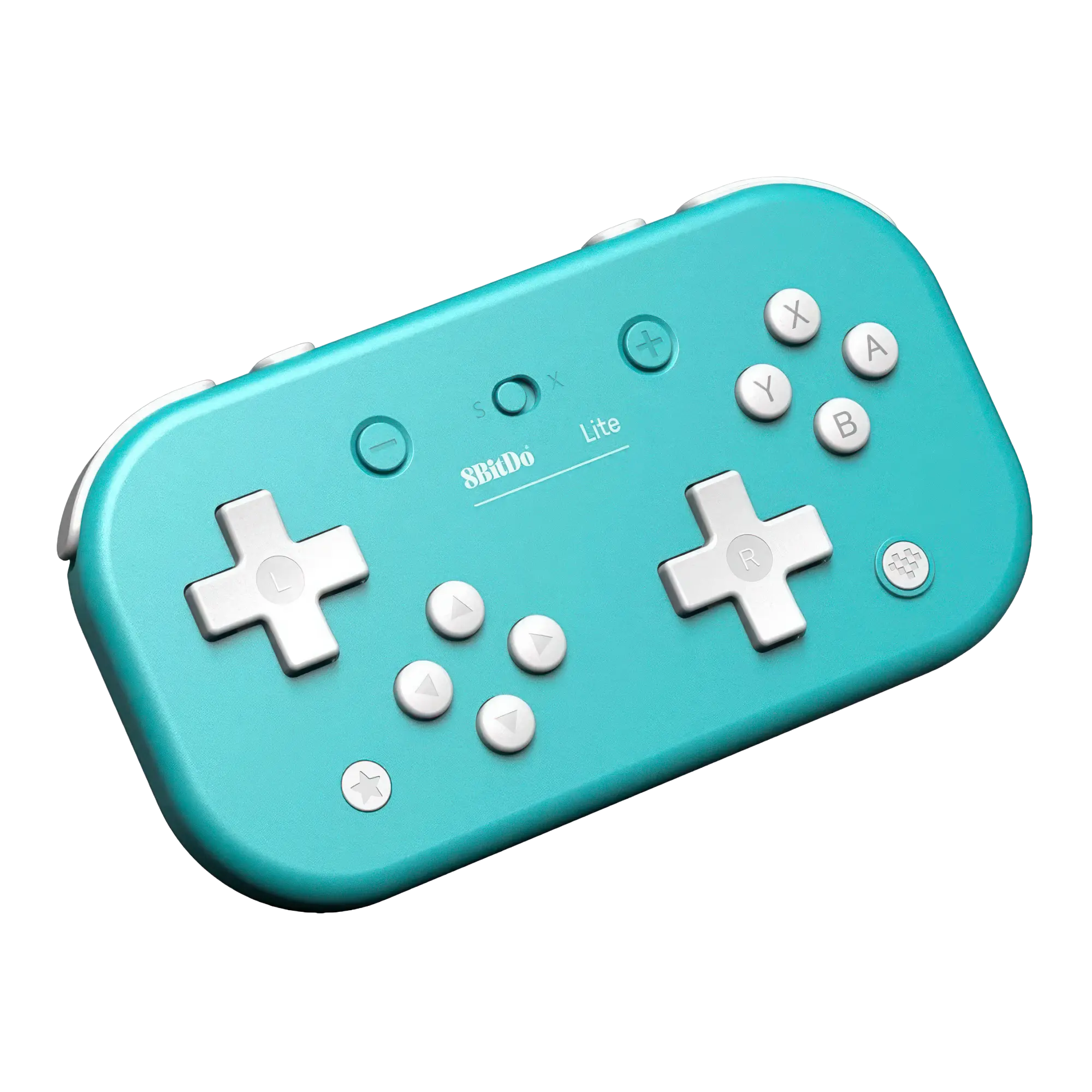
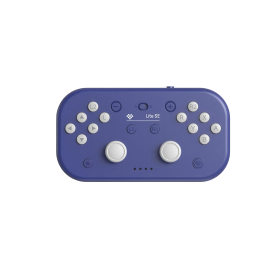
The original 8BitDo Lite in turquoise is a compact Bluetooth controller with two digital D-pads instead of analogue sticks. A smart choice for classic 2D games on Switch and PC.

  • Two digital D-pads for precise directional input
  • Bluetooth and wired USB-C connectivity
  • Switch and XInput modes with a physical selector
  • No rumble, gyro sensor or true analogue sticks

€20.00 Tax included (27%)

10 in stock
Ships in 1 - 3 Days

Two D-pads, no analogue sticks: the original 8BitDo Lite for retro and 2D gaming

If you spend more time with platformers, puzzlers and classic arcade games than modern 3D adventures, the turquoise 8BitDo Lite is worth a look. Instead of ordinary analogue sticks, it uses two proper digital directional pads. The right D-pad can act as an eight-way digital stick, making it an interesting option for games such as Tetris 99 and other titles built around crisp directional input.

The original Lite, not the Lite 2

This first-generation Lite is intentionally slim and simple. Both D-pads are digital: even when mapped to virtual stick directions, they do not provide analogue sensitivity. That makes it a poor match for games needing fine analogue control, such as many racing or 3D games. There is no vibration or motion sensing either. The two D-pad centres can, however, act as L3 and R3 buttons.

Bluetooth, USB-C and switchable controller modes

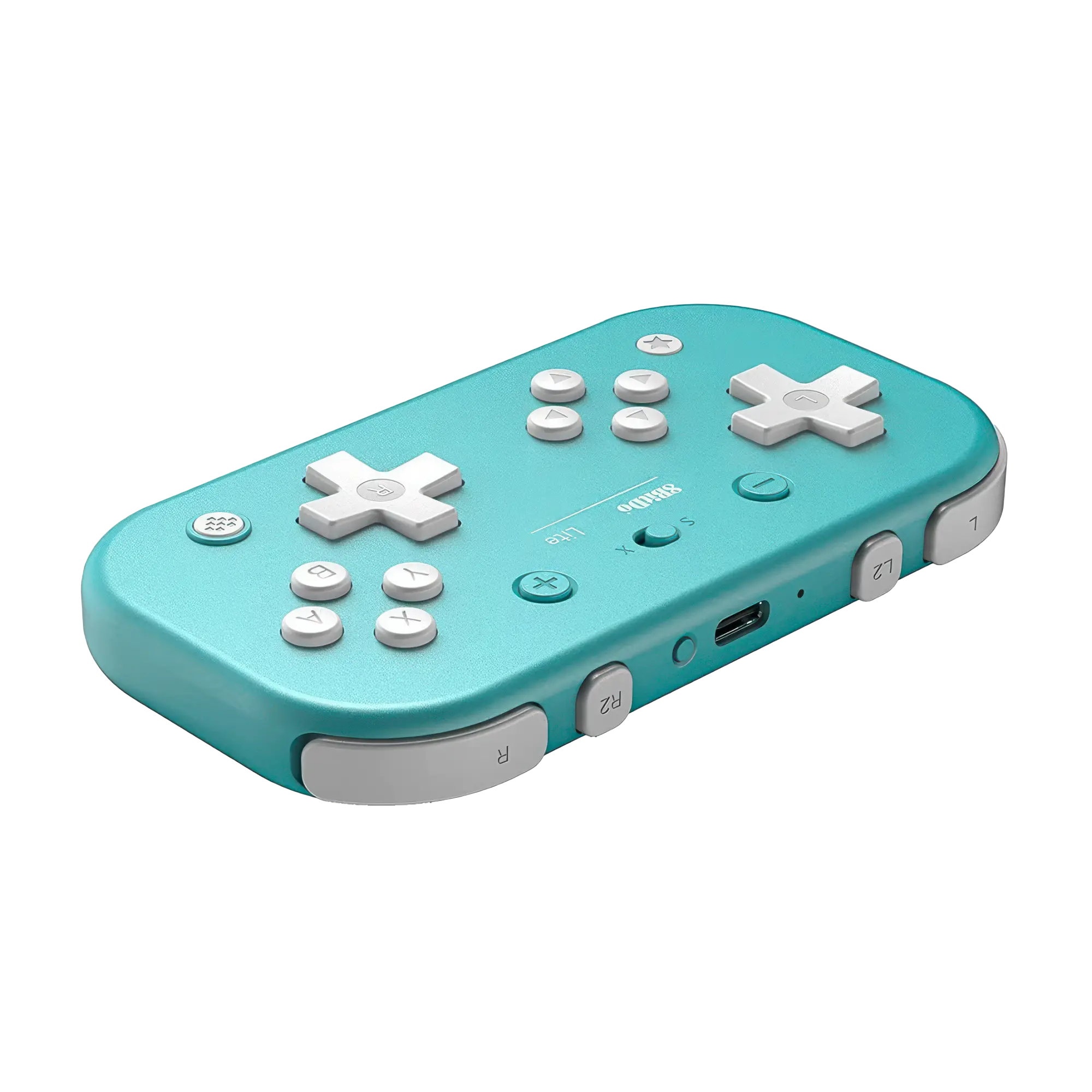
The physical S/X selector switches between Nintendo Switch or Switch Lite mode and XInput for Windows PCs. Connect over Bluetooth or play using the included USB cable; USB-C is also used for charging. 8BitDo also lists Steam on Windows and Raspberry Pi systems among its supported platforms. Nintendo Switch 2 support requires updated firmware version 1.04 or newer. Customisable turbo is available in XInput mode but not on Switch. NFC, wireless Switch wake-up and motion controls are not included.

A travel-sized controller

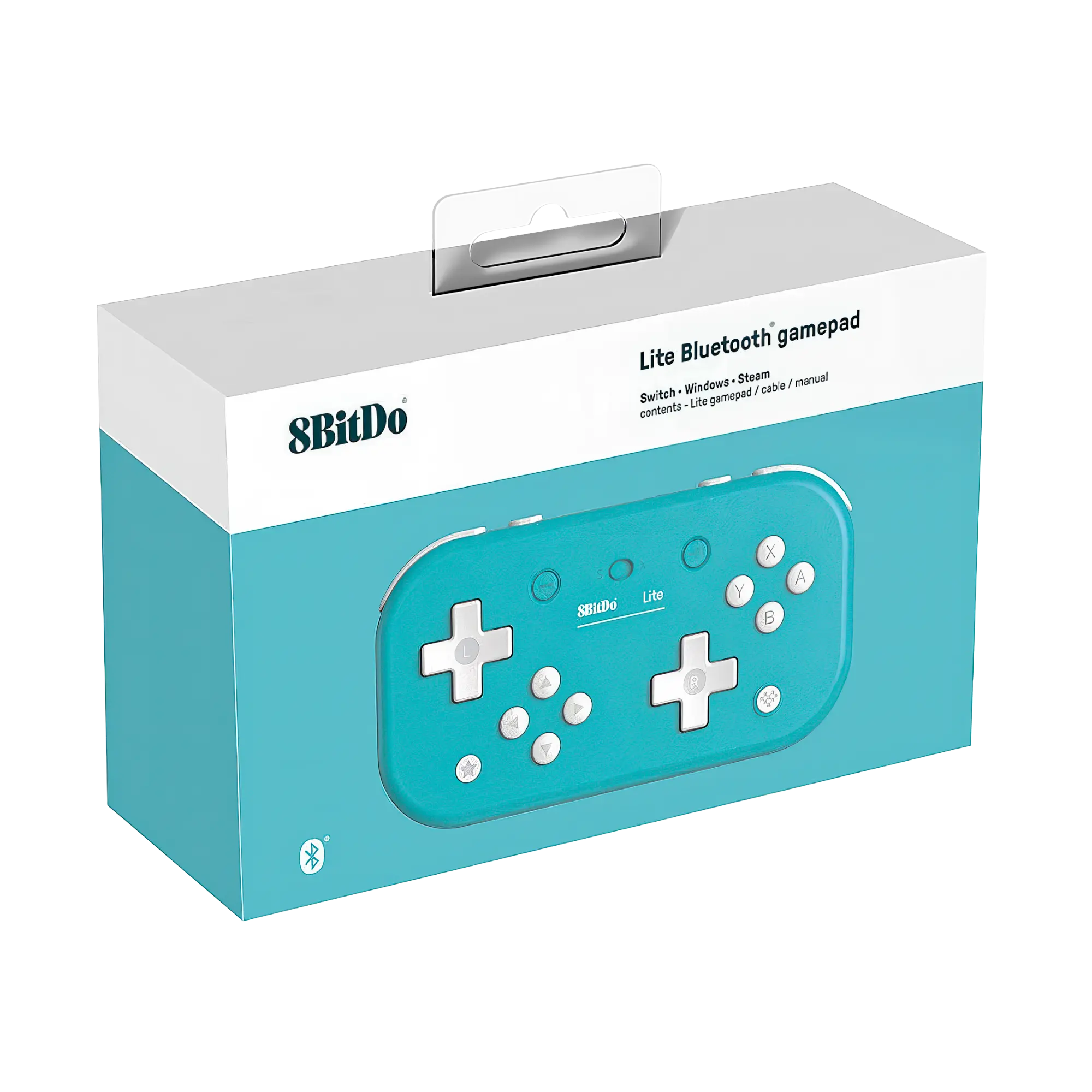
Measuring approximately 120 × 66.2 × 16.2 mm and weighing around 84 g, the Lite is small enough for almost any bag. Its built-in 480 mAh rechargeable lithium-ion battery offers up to 18 hours of gameplay according to 8BitDo, with a charging time of about one to two hours. Four shoulder buttons, the familiar ABXY buttons and the two directional pads offer plenty of controls in a genuinely portable shape. The box includes the controller, a USB cable and a manual.

Who is it for?

Pick the Lite if you mainly play 2D games on Switch or Windows and want a lightweight extra controller. If you need genuine analogue sticks, rumble or motion controls, choose a different model instead. Firmware updates are available from the official 8BitDo support website.

8BitDo
RET00218
10 Items
6922621501091
System
Nintendo Switch
Nintendo Switch 2
Raspberry Pi
Windows PC
Controller type
Gamepad
Device weight (g)
84
Battery category
Secondary, 1-50g
WEEE registration number
23582226
Battery capacity (mAh)
480
Device dimensions (W × H × D)
120 × 66.2 × 16.2 mm
Connection type
Bluetooth
Wired
Number of analog sticks
0
Connection compatibility
Bluetooth
Wired USB-C
Stick technology
None
Trigger technology
Digital
Controller layout
Compact gamepad
Dual digital D-pads (no analogue sticks)
Nintendo ABXY (SNES / Switch)
Motion control
No
Vibration
No
3.5 mm audio
No
Extra/back buttons
L3/R3 on front
Turbo (Windows)
Remapping/software
No
Charging dock included
No
Input modes (USB)
Switch mode
XInput
Input modes (Bluetooth)
DInput
Switch mode
XInput
Input mode switching
S/X switch: S = Switch/Switch Lite (Switch 2 with FW 1.04+), X = XInput (Windows). Bluetooth and USB-C; DInput via Bluetooth per 8BitDo. Both D-pads are digital only, not analogue sticks. Turbo in XInput mode only.
DRAGONBOX KNOW-HOW

Practical answers about compatibility, features and how things work.

What input modes are available: XInput, DInput, Switch and PlayStation?

XInput is the best choice for most PC gamers. This widely supported input mode follows the Xbox controller layout and is recognized directly by many modern Windows games. For most users, that is all they need. However, XInput support does not automatically mean a controller works on a real Xbox console.

DInput (DirectInput) is the older Windows standard. Some older PC games, such as Crimson Skies or Need for Speed: Underground 2, support DirectInput but not native XInput.

An additional DInput or generic USB HID mode can also be useful for retro gaming systems, FPGA devices, emulators and other specialized setups. Some devices support Xbox-compatible controllers, while others expect a standard USB HID gamepad. Which input modes work depends on the specific device and its software.

For example, MiSTer FPGA supports many USB controllers as well as Xbox-compatible input devices. Depending on the core, different button mappings or special input features may be required. DInput itself is therefore not a general requirement on MiSTer.

If you plan to use your controller with retro or FPGA systems, check which input modes are supported beforehand. A controller with several selectable modes offers more flexibility.

Switch mode makes the controller appear to compatible devices as a Nintendo Switch Pro Controller. It can be useful beyond the Switch: Steam Input, Linux and various applications can also support these controllers. However, not every PC game will recognize this mode automatically.

PlayStation mode can refer to different compatibility modes depending on the controller, such as PS4 controller or PlayStation Classic modes. There is no single universal PlayStation mode. Compatibility with a particular PlayStation console must be explicitly confirmed for the product.

Connection type matters: Not every input mode is available over every connection. Some controllers support DInput only via a USB cable, while others also offer it through a 2.4 GHz receiver or Bluetooth.

That is why our technical specifications list confirmed input modes separately for USB, 2.4 GHz and Bluetooth.

What is the difference between 2.4 GHz wireless and Bluetooth controllers?

Both types of connection are wireless and use the 2.4 GHz frequency band. The difference is the transmission technology: Bluetooth is a widely used standard, whereas “2.4 GHz wireless” usually refers to a manufacturer's own radio link with a matching receiver.

Bluetooth: flexible and widely compatible

Many PCs, gaming handhelds, smartphones, tablets and consoles support Bluetooth controllers. If the controller is compatible with the device, you usually pair it once through the Bluetooth settings. After that, it will normally reconnect automatically.

No additional receiver is needed, leaving a USB port free.

However, not every Bluetooth-enabled device supports every Bluetooth controller. Game consoles in particular may require certain controller models or input modes.

2.4 GHz wireless: plug in and play

Controllers using 2.4 GHz wireless usually come with a matching USB receiver (dongle). Plug it in and switch the controller on. The two are often paired already.

This offers several advantages:

  • No Bluetooth menu or Bluetooth manager setup is needed.
  • It also works with compatible devices that have no built-in Bluetooth.
  • Many systems recognize the receiver as a regular USB controller.
  • That can be particularly useful for PCs, retro systems and other devices with USB ports.

The device must still support the particular receiver and its input mode. Not every dongle automatically works with every system. Some retro controllers also use dedicated receivers for particular consoles.

What about speed?

Many 2.4 GHz controllers offer high polling rates and low, consistent latency. Modern Bluetooth controllers can also be very fast, however. Actual performance depends on the specific controller and connection.

Which connection should I choose?

Bluetooth is especially useful if you want to use a controller with different compatible devices without carrying an extra receiver.

2.4 GHz wireless is often a good choice if you want a straightforward setup, prefer a responsive connection, or use a device without Bluetooth.

Check the product's technical specifications to see which connections and systems it supports.

Manufacturer
8BITDO TECHNOLOGY HK LIMITED
610 Nathan Road
Rooms 1318-19, 13/F, Hollywood Plaza,
Mongkok, Kowloon
Hong Kong SAR China
EU responsible person
OpenPandora GmbH
+49 841 1317733
Asternweg 5
Michael Mrozek
85080 Gaimersheim
Germany
chat Comments (0)
8BitDo Lite Bluetooth Gamepad Turquoise (Switch, PC)
€20.00