



|
This item has been sold |
| 37 | |
| times |
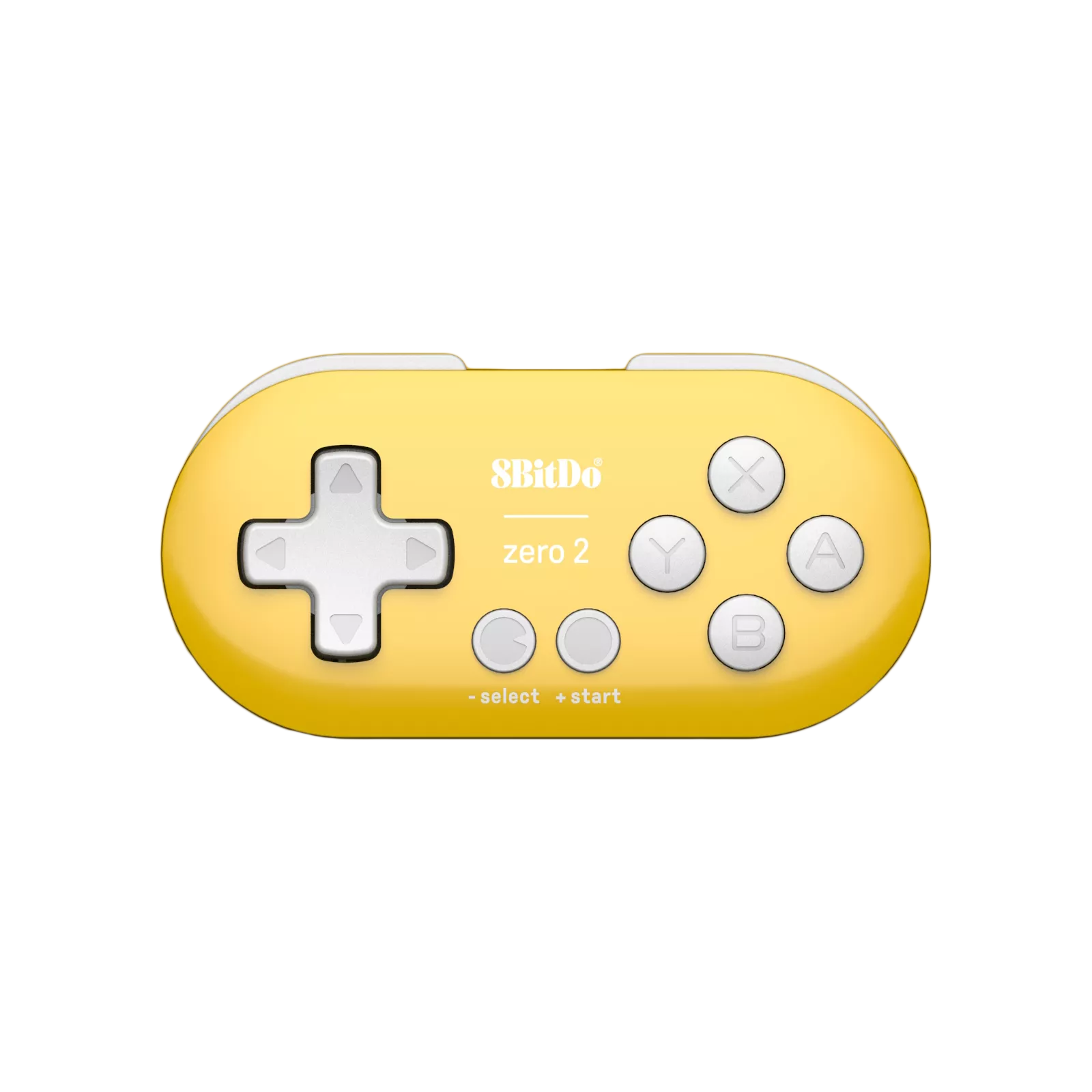
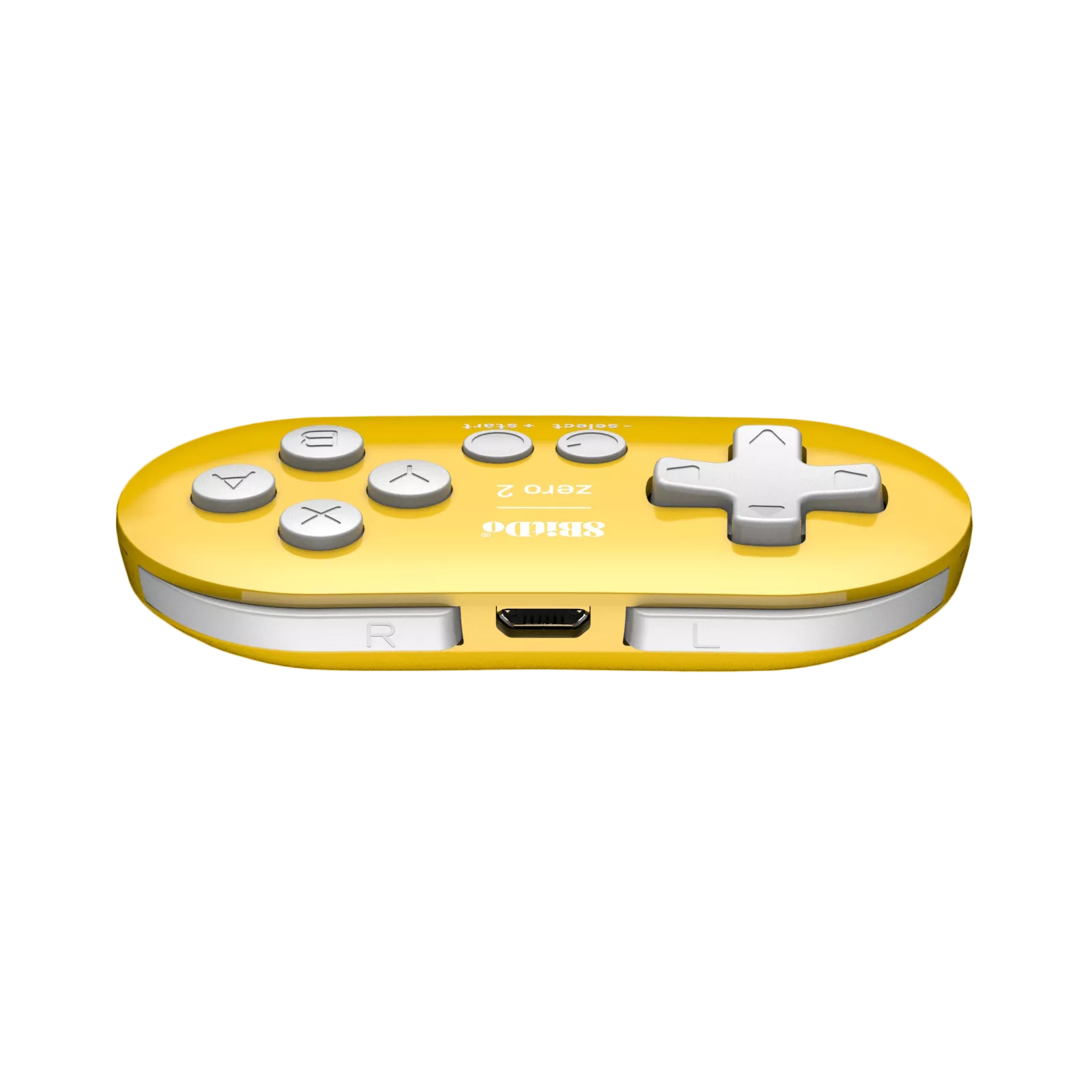
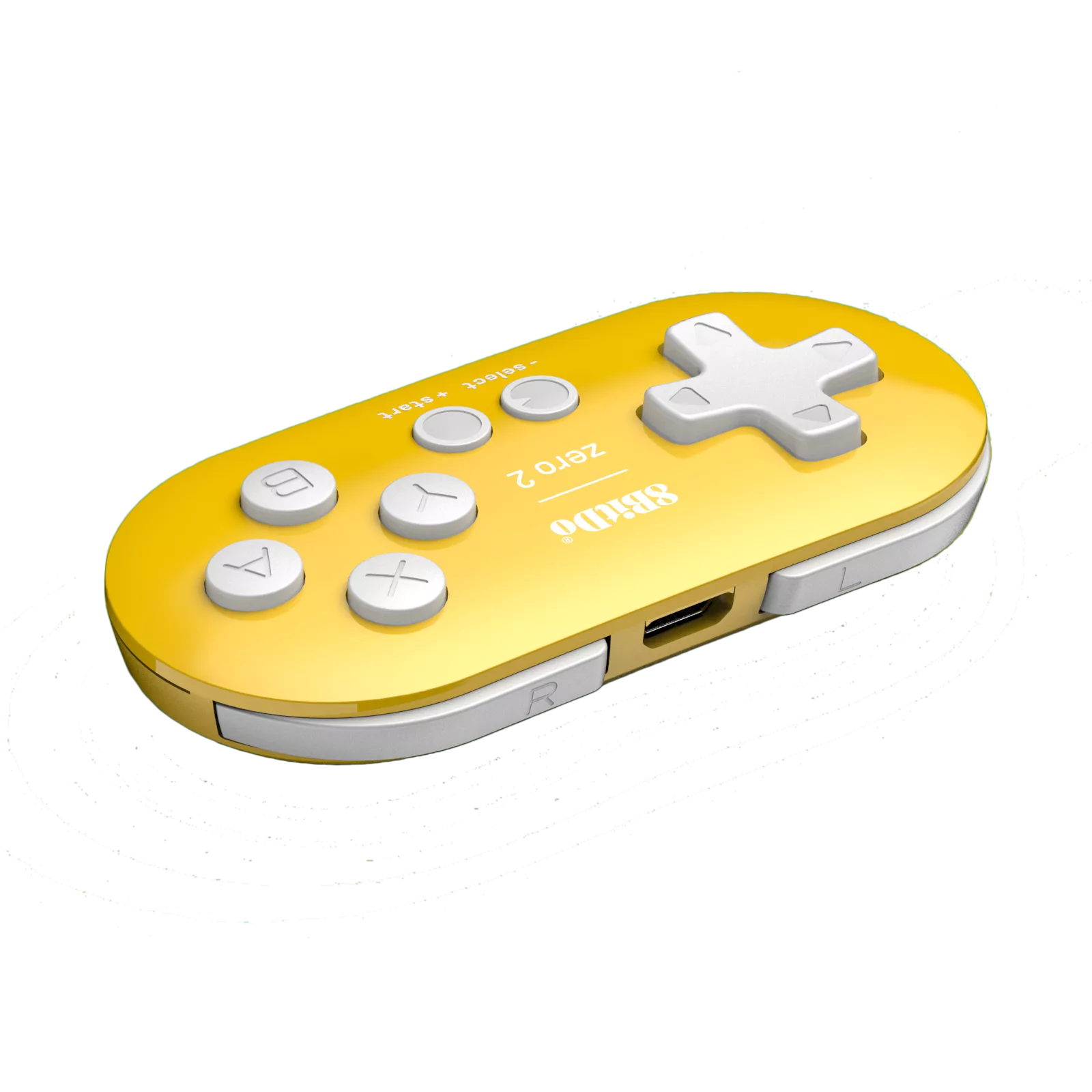
8BitDo Zero 2 Mini Bluetooth Controller (Switch, PC, macOS, Android)

The 8BitDo Zero 2 is a pocket-sized Bluetooth controller that packs serious gaming power into a tiny 20g package.
- Ultra-portable mini gamepad that fits on your keychain
- Compatible with Nintendo Switch, Windows, Android, macOS and more
- Multiple modes: X-Input, D-Input, Switch and Keyboard
- Up to 8 hours of battery life despite its tiny size
- Firmware upgradeable via USB for future improvements
- Perfect for retro gaming on the go
Big gaming performance in your pocket!
Don't let its size fool you - the 8BitDo Zero 2 is one of the most versatile controllers you'll ever own. At just 20 grams, this mini Bluetooth gamepad is small enough to slip into your pocket or attach to your keychain, yet powerful enough to handle serious gaming sessions wherever you are.
Universal Compatibility for All Your Devices
The Zero 2 works with virtually any Bluetooth-enabled gaming device you own. Whether you're playing on your Nintendo Switch, Windows PC, Android smartphone, or Mac, this little controller has you covered. It features multiple connection modes including X-Input, D-Input, Switch mode, and even a Keyboard mode - giving you maximum flexibility across different platforms and games. You can easily switch between modes to match whatever system you're playing on.
Surprisingly Long Battery Life
Despite its miniature form factor, the 8BitDo Zero 2 delivers up to 8 hours of continuous gameplay on a single charge. That's enough for extended gaming sessions without worrying about running out of power. The built-in rechargeable battery charges quickly via USB, so you'll be back in the game in no time.
Future-Proof Design
8BitDo keeps their controllers up-to-date with firmware upgrades via USB connection. This means your Zero 2 can receive improvements, bug fixes, and potentially new features long after your purchase. It's a controller that grows and improves with you, making it a smart investment for retro gaming enthusiasts and modern gamers alike.

- System
- Android
Nintendo Switch
Nintendo Switch 2
Windows PC - Controller type
- Gamepad
- Battery category
- Secondary, 1-50g
- WEEE registration number
- 23582226
- Battery weight (g)
- 10
- Connection type
- Bluetooth
- Number of analog sticks
- 0
- Connection compatibility
- Bluetooth
- Stick technology
- None
- Trigger technology
- Digital
- Controller layout
- Micro gamepad
Nintendo ABXY (SNES / Switch) - Motion control
- No
- Vibration
- No
- 3.5 mm audio
- No
- Extra/back buttons
- Ultra-compact
- Remapping/software
- No
- Charging dock included
- No
- Input modes (Bluetooth)
- DInput
Keyboard mode
Switch mode
XInput - Input mode switching
- Bluetooth only, USB for charging/update. Power on: X+Start = XInput, B+Start = DInput (Android), Y+Start = Switch, R+Start = Keyboard; A+Start = macOS mode.
Practical answers about compatibility, features and how things work.
What input modes are available: XInput, DInput, Switch and PlayStation?
XInput is the best choice for most PC gamers. This widely supported input mode follows the Xbox controller layout and is recognized directly by many modern Windows games. For most users, that is all they need. However, XInput support does not automatically mean a controller works on a real Xbox console.
DInput (DirectInput) is the older Windows standard. Some older PC games, such as Crimson Skies or Need for Speed: Underground 2, support DirectInput but not native XInput.
An additional DInput or generic USB HID mode can also be useful for retro gaming systems, FPGA devices, emulators and other specialized setups. Some devices support Xbox-compatible controllers, while others expect a standard USB HID gamepad. Which input modes work depends on the specific device and its software.
For example, MiSTer FPGA supports many USB controllers as well as Xbox-compatible input devices. Depending on the core, different button mappings or special input features may be required. DInput itself is therefore not a general requirement on MiSTer.
If you plan to use your controller with retro or FPGA systems, check which input modes are supported beforehand. A controller with several selectable modes offers more flexibility.
Switch mode makes the controller appear to compatible devices as a Nintendo Switch Pro Controller. It can be useful beyond the Switch: Steam Input, Linux and various applications can also support these controllers. However, not every PC game will recognize this mode automatically.
PlayStation mode can refer to different compatibility modes depending on the controller, such as PS4 controller or PlayStation Classic modes. There is no single universal PlayStation mode. Compatibility with a particular PlayStation console must be explicitly confirmed for the product.
Connection type matters: Not every input mode is available over every connection. Some controllers support DInput only via a USB cable, while others also offer it through a 2.4 GHz receiver or Bluetooth.
That is why our technical specifications list confirmed input modes separately for USB, 2.4 GHz and Bluetooth.
What is the difference between 2.4 GHz wireless and Bluetooth controllers?
Both types of connection are wireless and use the 2.4 GHz frequency band. The difference is the transmission technology: Bluetooth is a widely used standard, whereas “2.4 GHz wireless” usually refers to a manufacturer's own radio link with a matching receiver.
Bluetooth: flexible and widely compatible
Many PCs, gaming handhelds, smartphones, tablets and consoles support Bluetooth controllers. If the controller is compatible with the device, you usually pair it once through the Bluetooth settings. After that, it will normally reconnect automatically.
No additional receiver is needed, leaving a USB port free.
However, not every Bluetooth-enabled device supports every Bluetooth controller. Game consoles in particular may require certain controller models or input modes.
2.4 GHz wireless: plug in and play
Controllers using 2.4 GHz wireless usually come with a matching USB receiver (dongle). Plug it in and switch the controller on. The two are often paired already.
This offers several advantages:
- No Bluetooth menu or Bluetooth manager setup is needed.
- It also works with compatible devices that have no built-in Bluetooth.
- Many systems recognize the receiver as a regular USB controller.
- That can be particularly useful for PCs, retro systems and other devices with USB ports.
The device must still support the particular receiver and its input mode. Not every dongle automatically works with every system. Some retro controllers also use dedicated receivers for particular consoles.
What about speed?
Many 2.4 GHz controllers offer high polling rates and low, consistent latency. Modern Bluetooth controllers can also be very fast, however. Actual performance depends on the specific controller and connection.
Which connection should I choose?
Bluetooth is especially useful if you want to use a controller with different compatible devices without carrying an extra receiver.
2.4 GHz wireless is often a good choice if you want a straightforward setup, prefer a responsive connection, or use a device without Bluetooth.
Check the product's technical specifications to see which connections and systems it supports.
What do polling rate and latency mean for a controller?
Polling rate and latency both affect how quickly a controller responds to your inputs, but they describe two different things.
What is polling rate?
Polling rate describes how often the controller or its connection reports or requests new input data from the system.
It is measured in hertz (Hz).
| Polling rate | Reporting interval |
|---|---|
| 125 Hz | 8 milliseconds |
| 250 Hz | 4 milliseconds |
| 500 Hz | 2 milliseconds |
| 1,000 Hz | 1 millisecond |
The higher the polling rate, the shorter the interval between input reports can be.
A high polling rate can therefore be useful in fast-paced games. The connected system must also support the relevant reporting rate.
What is latency?
Latency is the delay between an action on the controller and the moment the system registers that input.
Several factors contribute to this delay:
- How quickly the controller detects and processes the button press.
- How long transmission via cable, Bluetooth or 2.4 GHz wireless takes.
- How quickly the connected system processes the input.
Before the action becomes visible on the screen, the game and display introduce additional processing delays.
Does a 1,000 Hz polling rate automatically mean 1 ms of latency?
No. At 1,000 Hz, only the reporting interval is one millisecond. The total input delay can be considerably higher.
In practice, a well-optimized controller running at 500 Hz can therefore respond faster than a poorly optimized controller running at 1,000 Hz.
Which values matter?
For most games, consistently low latency matters more than the highest possible polling rate.
Low delays can be especially beneficial for fast action games, shooters and competitive games. In retro games, processing by emulators, consoles or FPGA systems and the display also matter.
Our tip: A high polling rate is an interesting technical specification, but does not by itself prove that a controller is fast. Measurements of real-world latency under comparable conditions are more meaningful.
Manufacturer
EU responsible person


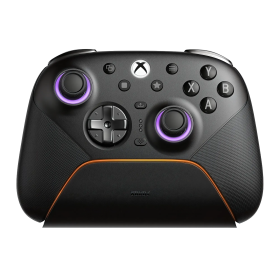
8BitDo Ultimate 3E Controller Gray (Xbox, PC, Android, iOS)
Swappable ABXY modules, D-pads and joystick caps
TMR joysticks, Hall triggers and additional buttons
2.4 GHz or USB on Xbox and Windows; mobile Bluetooth
1400 mAh battery, charging dock and accessory pack included
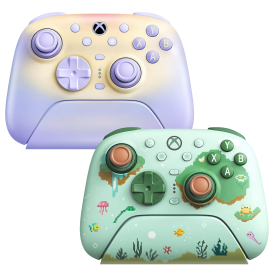
8BitDo Ultimate 3 Controller (Xbox, PC, Android, iOS)
Officially licensed for Xbox Series X|S and Xbox One
2.4 GHz/USB for Xbox and Windows; Bluetooth for Android and Apple
Adjustable-tension TMR sticks and two-stop Hall triggers
Charging dock included; up to 20 hours battery life
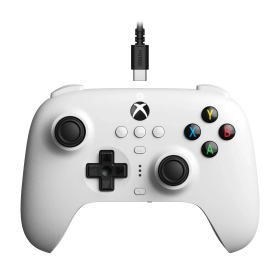
8BitDo Ultimate Wired Hall Controller (Xbox, PC)
Hall Effect sticks and triggers
Official Xbox licence
Back paddles, profiles and headset jack
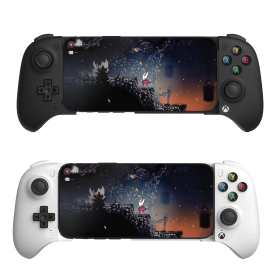
8BitDo Ultimate Mobile Xbox Edition (Android, iOS)
Designed for Xbox cloud gaming
Bluetooth and adjustable phone holder
Hall sticks, triggers and back paddles
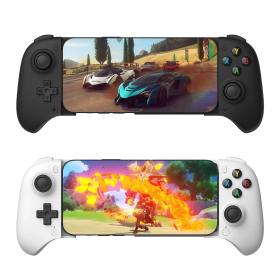
8BitDo Ultimate Mobile Gaming Controller (Android, iOS)
Bluetooth gamepad with telescopic phone grip
Hall sticks and triggers
Two rear paddles and app customization
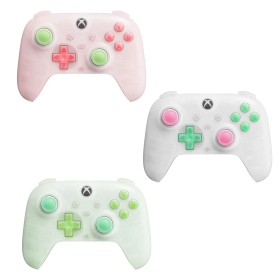
8BitDo Ultimate Mini Wired Controller (Xbox, PC)
Around 20 percent smaller than Ultimate C
Hall sticks and triggers
RGB lighting and Xbox licence
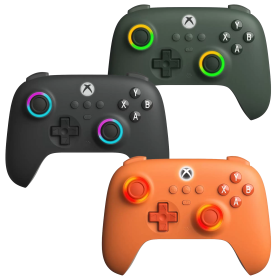
8BitDo Ultimate C Wired Controller (Xbox, PC)
Hall Effect sticks and triggers
Official Xbox licence
RGB Fire Rings and headset jack
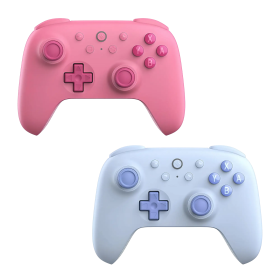
8BitDo Ultimate 2C Bluetooth Controller (Switch)
Hall Effect sticks
Directly remappable R4/L4 bumpers
Bluetooth, USB and Switch motion controls
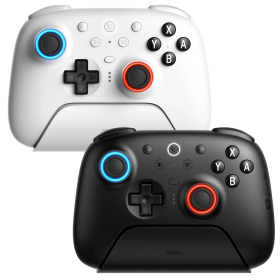
8BitDo Ultimate 2 Bluetooth Controller (Switch, PC)
TMR joysticks with RGB Fire Ring
Switchable Hall Effect triggers
Bluetooth, 2.4 GHz and USB
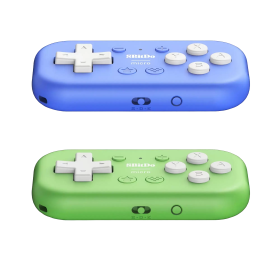
8BitDo Micro Bluetooth Gamepad (Switch, Android)
Ultra-compact 16-button pad
Switch and Android support
Keyboard mode for apps and shortcuts
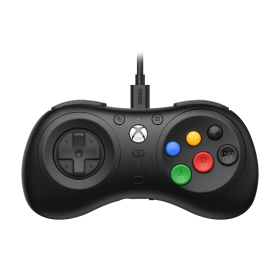
8BitDo M30 Wired Controller (Xbox, PC)
Mega Drive-inspired six-button layout
Official Xbox licence
Layout switching and custom profiles
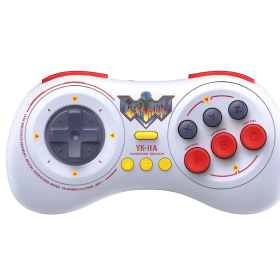
8BitDo M30 Earthion Edition (Switch, PC, Android)
Earthion special design with Mega Drive vibes
Six face buttons and precise D-pad
Bluetooth and USB-C
8BitDo Ultimate 3E Controller Gray (Xbox, PC, Android, iOS)
Swappable ABXY modules, D-pads and joystick caps
TMR joysticks, Hall triggers and additional buttons
2.4 GHz or USB on Xbox and Windows; mobile Bluetooth
1400 mAh battery, charging dock and accessory pack included
8BitDo Ultimate 3 Controller (Xbox, PC, Android, iOS)
Officially licensed for Xbox Series X|S and Xbox One
2.4 GHz/USB for Xbox and Windows; Bluetooth for Android and Apple
Adjustable-tension TMR sticks and two-stop Hall triggers
Charging dock included; up to 20 hours battery life
8BitDo Ultimate Wired Hall Controller (Xbox, PC)
Hall Effect sticks and triggers
Official Xbox licence
Back paddles, profiles and headset jack
8BitDo Ultimate Mobile Xbox Edition (Android, iOS)
Designed for Xbox cloud gaming
Bluetooth and adjustable phone holder
Hall sticks, triggers and back paddles
8BitDo Ultimate Mobile Gaming Controller (Android, iOS)
Bluetooth gamepad with telescopic phone grip
Hall sticks and triggers
Two rear paddles and app customization
8BitDo Ultimate Mini Wired Controller (Xbox, PC)
Around 20 percent smaller than Ultimate C
Hall sticks and triggers
RGB lighting and Xbox licence
8BitDo Ultimate C Wired Controller (Xbox, PC)
Hall Effect sticks and triggers
Official Xbox licence
RGB Fire Rings and headset jack
8BitDo Ultimate 2C Bluetooth Controller (Switch)
Hall Effect sticks
Directly remappable R4/L4 bumpers
Bluetooth, USB and Switch motion controls
8BitDo Ultimate 2 Bluetooth Controller (Switch, PC)
TMR joysticks with RGB Fire Ring
Switchable Hall Effect triggers
Bluetooth, 2.4 GHz and USB
8BitDo Micro Bluetooth Gamepad (Switch, Android)
Ultra-compact 16-button pad
Switch and Android support
Keyboard mode for apps and shortcuts
8BitDo M30 Wired Controller (Xbox, PC)
Mega Drive-inspired six-button layout
Official Xbox licence
Layout switching and custom profiles
8BitDo M30 Earthion Edition (Switch, PC, Android)
Earthion special design with Mega Drive vibes
Six face buttons and precise D-pad
Bluetooth and USB-C