




|
This item has been sold |
| 29 | |
| times |
Out-of-Stock
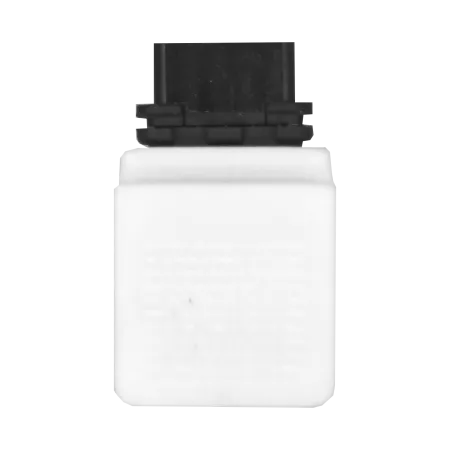
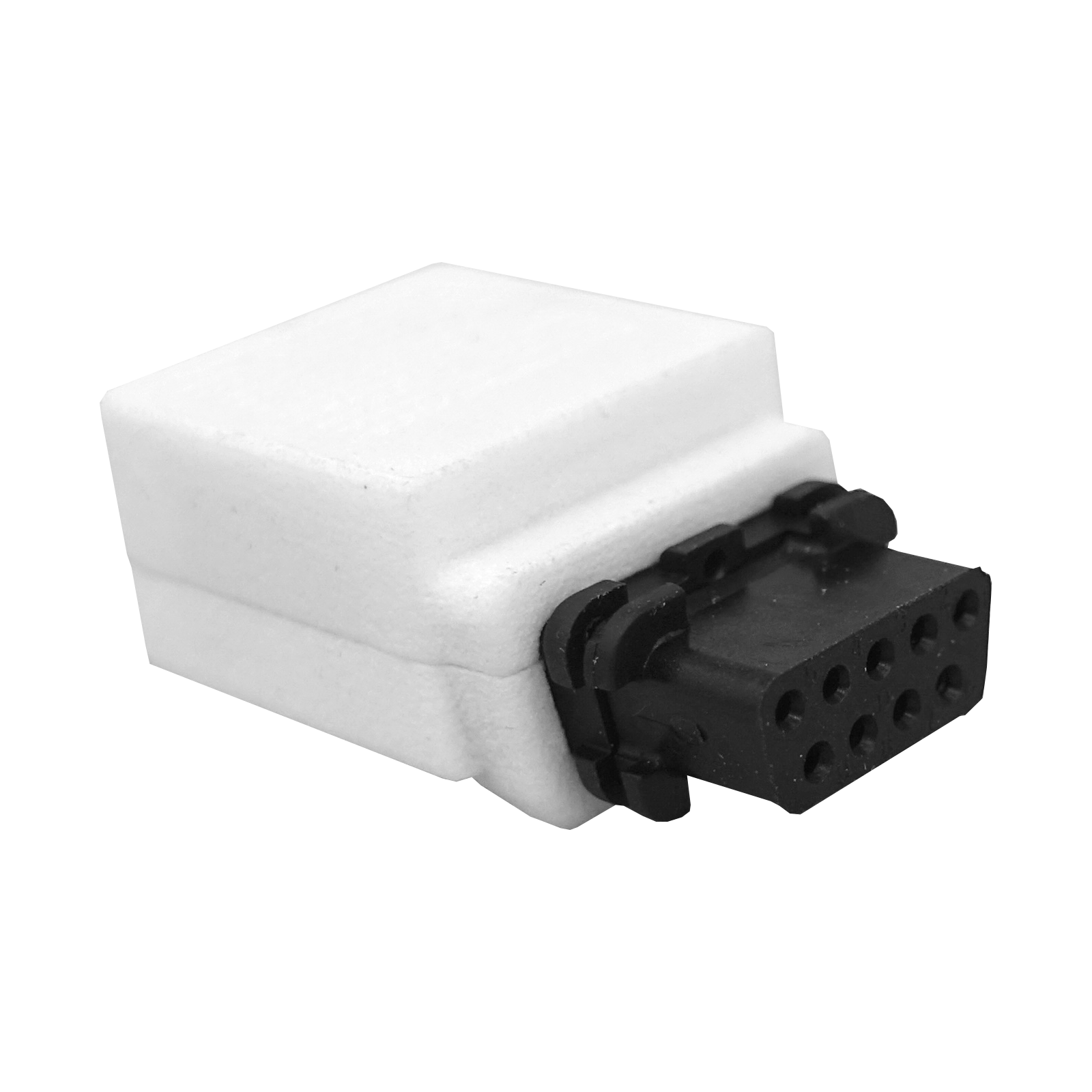
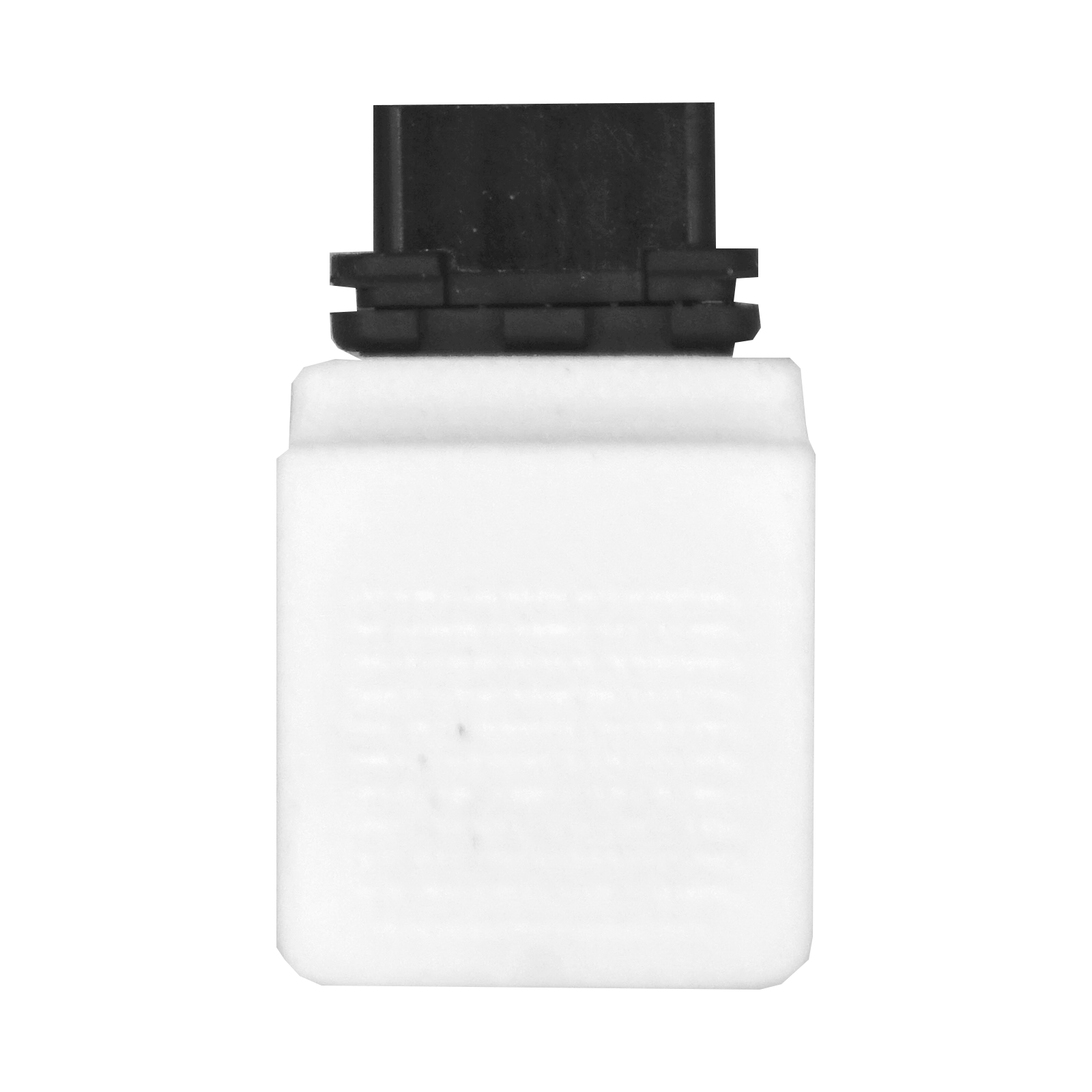
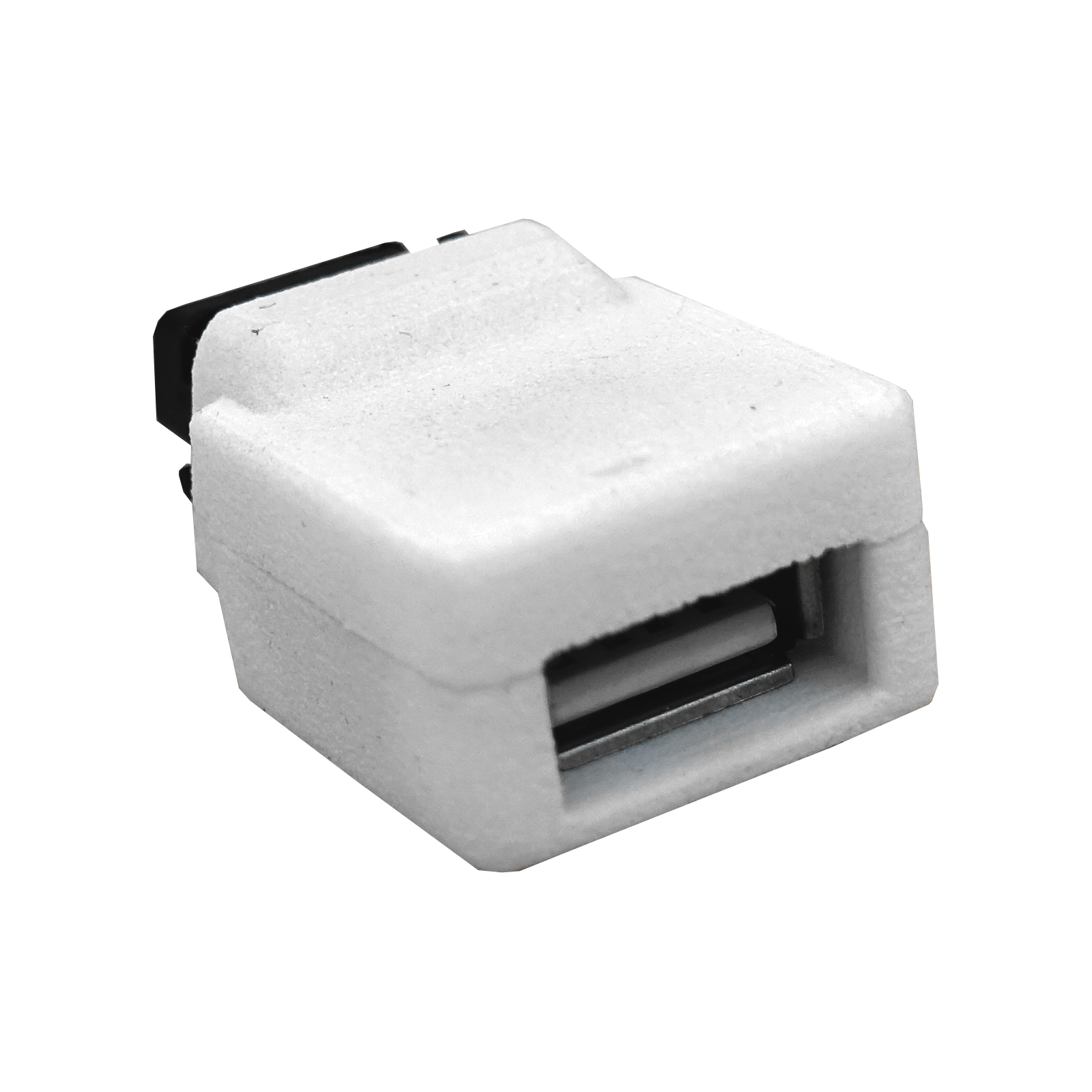
TIKUS USB Mouse / Joystick adapter (for Amiga, ST, GEOS)

The TIKUS USB adapter brings modern USB mice and gamepads to your classic Amiga, Atari ST, or Commodore 64 with GEOS.
- Connects USB mice and joypads to 9-pin retro computer ports
- Compatible with Amiga, Atari STe, and C64 GEOS systems
- Works with both wireless and wired USB devices
- Easy configuration switching between different computer modes
- Supports mouse wheel on Amiga with Coccolino driver
- Plug-and-play for joypads, simple setup for mice
Give your classic computer the USB upgrade it deserves!
The TIKUS USB adapter from Lotharek is your gateway to using modern USB input devices on vintage computers. Whether you're navigating Workbench on your Amiga, managing files on an Atari STe, or exploring GEOS on your Commodore 64, this clever adapter lets you connect contemporary USB mice and gamepads directly to the standard 9-pin joystick port. No more hunting for rare vintage mice or dealing with unreliable connections—just plug in your favorite USB device and you're ready to go.
The adapter works seamlessly with both wireless and wired USB peripherals, giving you the freedom to choose what suits your setup best. Gamepads are plug-and-play, working immediately upon connection. For mouse users, the TIKUS offers configurable modes for Amiga, Atari ST, and Commodore 64 GEOS (1531 mouse emulation). Amiga users will especially appreciate the mouse wheel support when paired with the Coccolino driver and Freewheel app.
Simple Configuration Process
Switching between different computer modes is straightforward and takes just seconds. Connect your mouse to the TIKUS adapter before plugging it into your computer. When you connect the adapter, watch for the green LED blink and press the right mouse button to enter configuration mode. The adapter will then blink red to indicate its current mode: one blink for Amiga, two blinks for Atari ST, and three blinks for GEOS. Press the left mouse button to cycle through modes, then save your selection with the right button. If the LED blinks red immediately without a green flash, the adapter hasn't detected your USB device, so try a different mouse or gamepad.
This adapter is an essential tool for anyone keeping their retro gaming collection alive and functional with modern convenience.

LT-Tikus-usb
- System
- Amiga
- for brand
- Commodore
- WEEE
- 23582226
Manufacturer
You might also like




chat
Comments (0)
Kung Fu Flash Cartridge (C64)
In Stock
€69.00


Pyra-Mug
In Stock
€6.00

Pandora LCD Cable
In Stock
€45.00
SNES Cartridge Shell (Grey)
In Stock
€2.50
GameBoy Screen Protector (Glass)
Out-of-Stock
€5.00